
ElevenLabs
AI voice generator and voice agents platform
Freemium
 Visit website
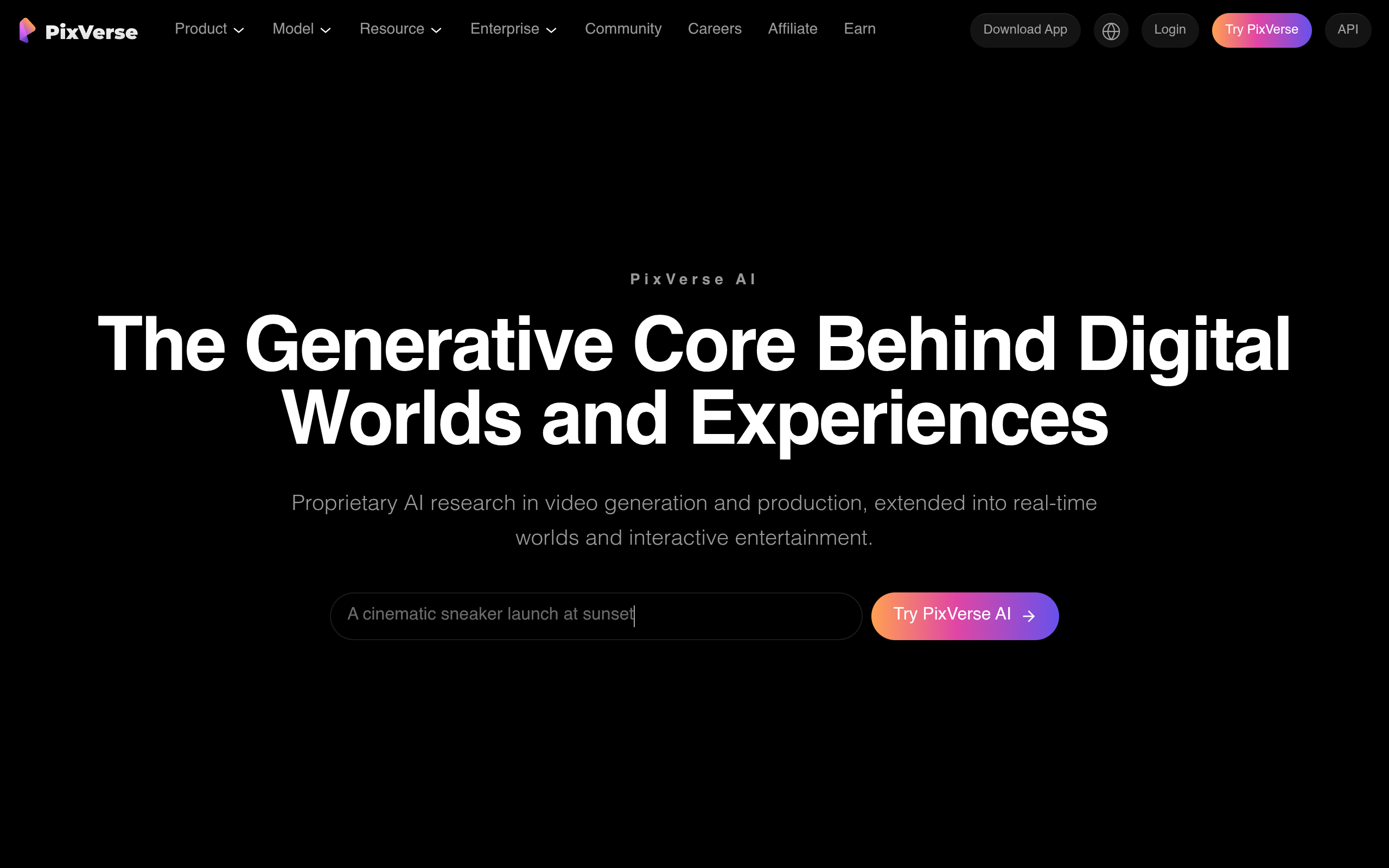
PixVerse is an AI video generation and production platform. According to the page, it is built on proprietary AI research in video generation and production, extended into real-time worlds and interactive entertainment. It offers web, CLI, and API access, plus models for clip generation, cinematic production, and real-time interactive worlds.
The platform is positioned for creators and enterprises that need to create, direct, and scale video. The page states that it is a full-stack AI media generation platform and APIs, powered by proprietary video foundation models, featuring industry-leading video quality, a robust and continuously evolving template ecosystem, and near real-time generation, built for reliable, scalable, production-ready workflows.
PixVerse can be accessed via the web product or PixVerse AI, and there is a CLI for generating from the terminal. The page shows the command pixverse generate --prompt "A car driving on a highway." --ratio 9:16 --duration 5, indicating support for prompts, references, output ratios, and batches from the command line. Users can also create through Agent, a conversational interface; use Lip Sync for voice, sync, and sound; use Mini-Apps for quick utility tools; use Marketing Hub for AI shorts for ads; use Character for consistent characters; and use Canvas to build video workflows with nodes. An API platform is also available for developers.
Prompt or image in, video out.
Ready-made creative starts.
Generate from the terminal.
Create through conversation. The page states that users can describe what should change, refine motion, and keep direction in context for a faster, more natural video workflow.
Voice, sync, and sound.
Quick utility tools.
AI shorts for ads. Guided workflows help generate ready-to-use marketing videos without tuning prompts.
Consistent characters.
Build video workflows with nodes. The page says it connects references, prompts, motion, and output in one editable graph, making complex AI video production easier to plan, adjust, and rerun.
Marketing Hub provides guided workflows to generate ready-to-use marketing videos without tuning prompts, including e-commerce use as shown by the "Marketing Hub E-Commerce" example.
Agent supports creating multiple film shots, as illustrated with the example "Create 4 film shots," turning creative intent into a faster, more natural video workflow.
Canvas helps plan, adjust, and rerun complex AI video production by connecting references, prompts, motion, and output in an editable graph.
CLI lets users run prompts, references, output ratios, and batches from the command line, keeping the entire video workflow inside tools the team already uses.
PixVerse offers enterprise-ready AI video foundational models and solutions, an API platform, and enterprise services for scaling video creation.
The page lists PixVerse V6 (1080p video with native audio), PixVerse C1, PixVerse R1, Seedance 2.5, Seedance 2, MiniMax H3, Flux 3, and GPT Image 2.5. It also lists PixVerse V6, PixVerse C1, and PixVerse R1 as the most powerful PixVerse models for clip generation, cinematic production, and real-time interactive worlds.
Yes. The page mentions a PixVerse API platform, API documentation, and that developers can build with PixVerse API. The API combines high-end visual quality, responsive generation, and production-minded cost efficiency.
Yes. The CLI allows generating from the terminal using prompts, references, output ratios, and batches.
Canvas is a node-based workflow tool that connects references, prompts, motion, and output in one editable graph, designed to make complex AI video production easier to plan, adjust, and rerun.
Agent is a conversational creation mode where users describe what should change, refine motion, and keep direction in context to turn creative intent into a faster, more natural video workflow.
Yes. The page provides download links for the App Store and Google Play, allowing users to create AI videos with PixVerse anytime, anywhere.
The page states enterprise metrics including 68% cost reduction, 57% faster production, and up to 10× content output, along with videos generated in 177+ countries served. These are reported figures from the page.