

Animate Photo
turns still photos into animated videos
Freemium
 Visit website
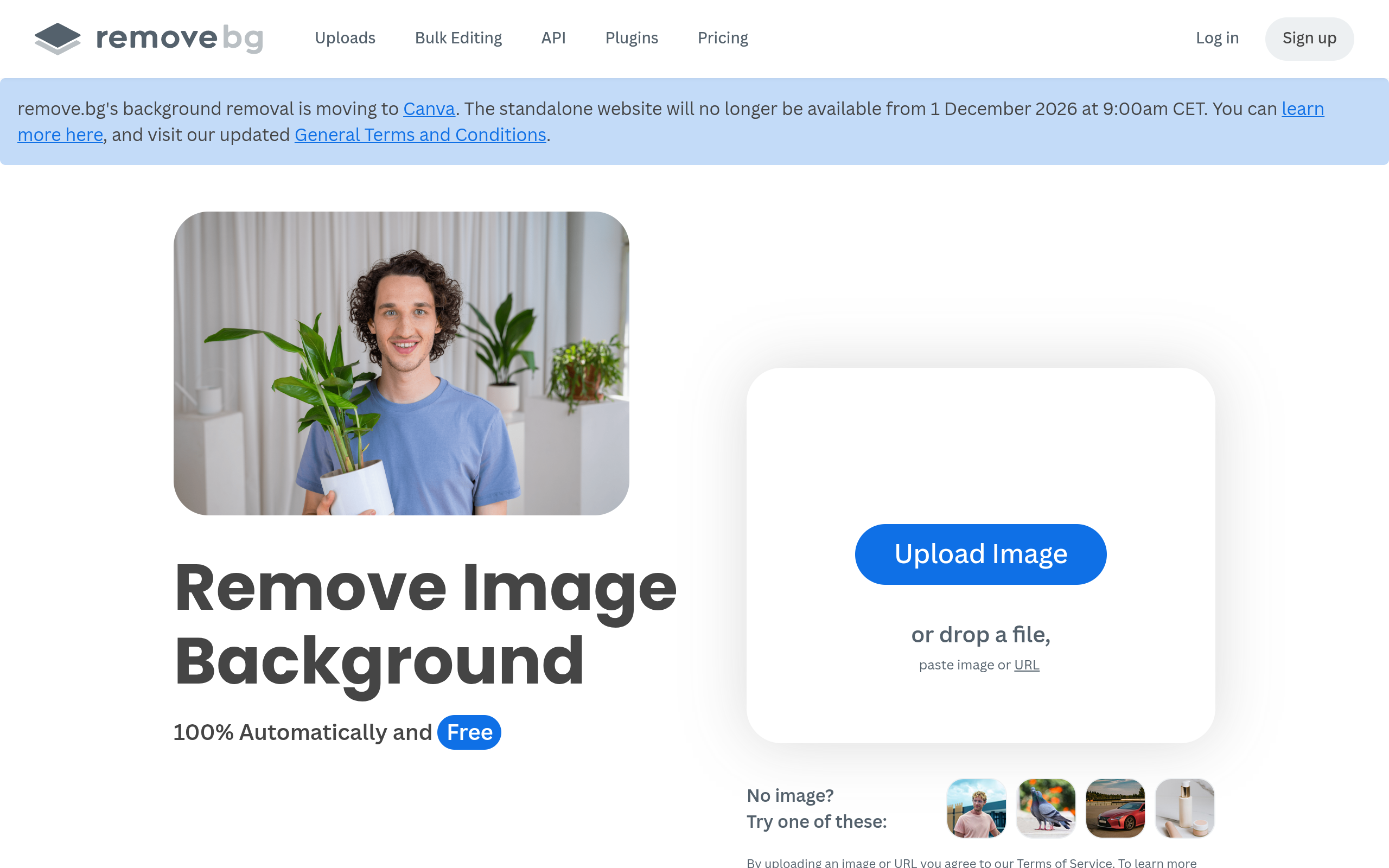
Remove.bg is a web-based tool for removing image backgrounds automatically. According to the page, it isolates the subject and cuts out the background with high accuracy, and it also includes an AI background generator for creating custom backdrops without writing a prompt. The page states that remove.bg's background removal is moving to Canva, and the standalone website will no longer be available from 1 December 2026 at 9:00am CET.
Removes image backgrounds automatically without manual pixel selection and isolates the subject from the background.
The page states that users can create custom backdrops instantly without writing a prompt.
The page mentions creating a transparent background as PNG for logos and graphics.
Photos' backgrounds can be edited to white for e-commerce shots, car listings, and professional headshots.
Bulk editing is documented as being able to process up to 500 images per minute.
The page lists integrations with Figma, Photoshop, and Zapier, embedding background removal into existing workflows.
The mobile app allows background removal on the go.
Use the tool to edit photo backgrounds to white for e-commerce shots.
Use white background editing for car listings.
Create white-background professional headshots.
Create a transparent background (PNG) to design a logo or graphic for a project or presentation.
Use the tool and its integrations to speed up background removal in marketing and photography workflows.
Use the API to add background removal into products and services. API documentation is available on the site.
The page title states that background removal is free, but it also has paid plans. Specific free limits and paid-plan requirements are not detailed on this page.
The page states that backgrounds are removed 100% automatically and that bulk editing can process up to 500 images per minute. The FAQ section of the page does not state a fixed time per image.
Yes. The page states that users can create a transparent background (PNG) for logos or graphics.
The page does not state commercial usage rights. Users should check the Terms of Service and applicable plan details for commercial use.
The page states that Remove.bg's background removal is moving to Canva and the standalone website will no longer be available from 1 December 2026 at 9:00am CET.
Yes. The page links to API documentation and states that the API is available for developers.