
Animate Photo
turns still photos into animated videos
Freemium

shimmerpic.com
Browser-based image generation with OpenAI's GPT Image 2.5, Flare and Sunburst
 Visit website
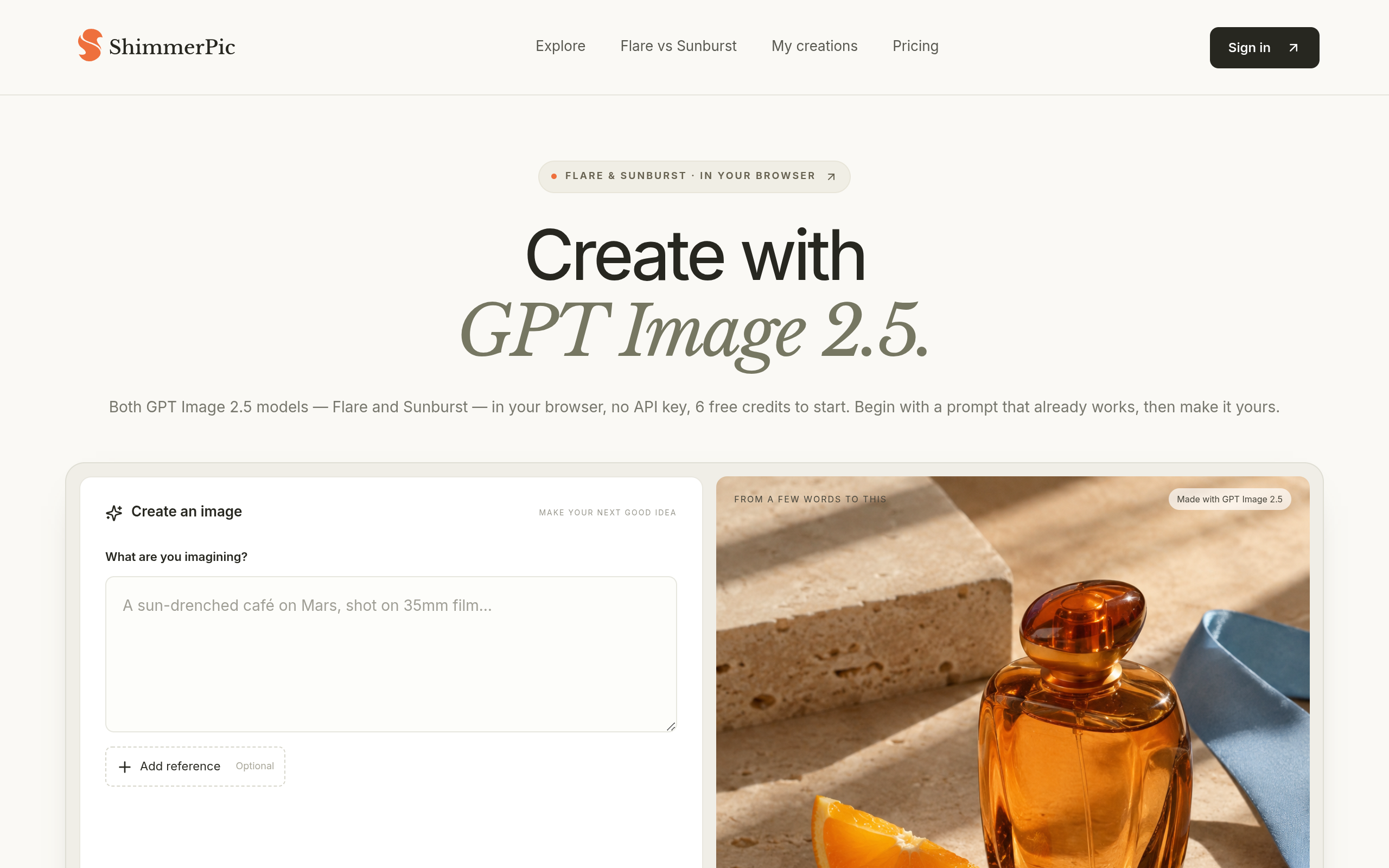
ShimmerPic is an independent, browser-based creative tool that runs the GPT Image 2.5 image generation and editing models released by OpenAI on September 8, 2026. In the API these appear as two models — Flare, described as the fast default, and Sunburst, described as the precision model — and ShimmerPic makes both available in the browser without requiring an OpenAI API key.
ShimmerPic states it is not affiliated with OpenAI. A prompt library is curated from the open awesome-gpt-image-2 collection, and each prompt card credits its author and links to the original post.
ShimmerPic runs both GPT Image 2.5 models without an API key. Flare is presented as the fast default; Sunburst is presented as the precision model for polished product and campaign work. Credits cost the same for both models.
The library contains 531 community prompts, sorted by output type such as product shots, posters, characters and brand boards, and each card is shown with the image its author shared. Opening a prompt fills in the text.
Up to three reference photos per image can be added, each up to 10 MB and 4,096 px on the long side. Each reference photo adds 3 credits.
Six aspect ratios are available: 1:1, 4:5, 3:2, 2:3, 16:9 and 9:16. Resolution tiers are 1K, 2K and 4K, in Standard or High quality. The page states the prompt is submitted in full without silently cutting it.
Any result can be opened as a reference and edited by describing the change. The page says the model follows editing instructions across multiple turns and keeps what was not mentioned.
Results are saved privately in your creations at full resolution and are not added to the public library. The community gallery only shows prompts and images their authors published elsewhere.
Base price per image is identical for Flare and Sunburst. On the published table, 1K costs 3 credits Standard or 12 High; 2K costs 6 Standard or 24 High; 4K costs 12 Standard or 40 High. Prompts over 500 bytes add 2 credits per further 1,000 bytes, and each reference photo adds 3 credits. The Studio shows the exact quote before generating. Failed generations are refunded, and the page states there is no unlimited tier.
Upload one photo of a product and describe the surface, light and camera; the page says the product stays recognisable while the studio is rebuilt around it, for packshots, lifestyle scenes and hero crops.
Generate the product in a hand, on a desk or in a car cupholder, shot like a phone photo rather than a studio image, to produce variations for ad testing.
Quote the headline and small print and describe where each sits, so the model renders the words in the described layout, for event one-sheets, sale flyers and typographic prints at print resolution.
Use a logo or label as a reference and place it on a T-shirt, box, tote or wall in a requested angle and light, without a template library.
The page describes it as the image generation and editing model OpenAI released on September 8, 2026, coming as two models, Flare and Sunburst, in the API. ShimmerPic runs both in the browser.
Every new ShimmerPic account gets 6 free credits, described as enough for two 1K images with a short prompt on either model. After that, credits are bought in one-time packs from $9 or via monthly and annual plans. There is no unlimited plan and no per-model surcharge.
Flare is the fast default, described as having 50% lower latency than GPT Image 2. Sunburst is the precision model with longer generation times, built for polished product and campaign work. They cost the same credits on ShimmerPic.
No. ShimmerPic is an independent tool that runs the model for you; you sign in, use credits, and images stay private in your creations until you download or share them.
Yes. The page states results go to your private creations and are never added to the public library; the community gallery only shows prompts and images their authors published elsewhere.
Yes. Open any result as a reference and describe the change. The model follows editing instructions across multiple turns and keeps what you did not mention.