
Animate Photo
turns still photos into animated videos
Freemium

www.tripo3d.ai
Generates 3D models from text or images
 Visit website
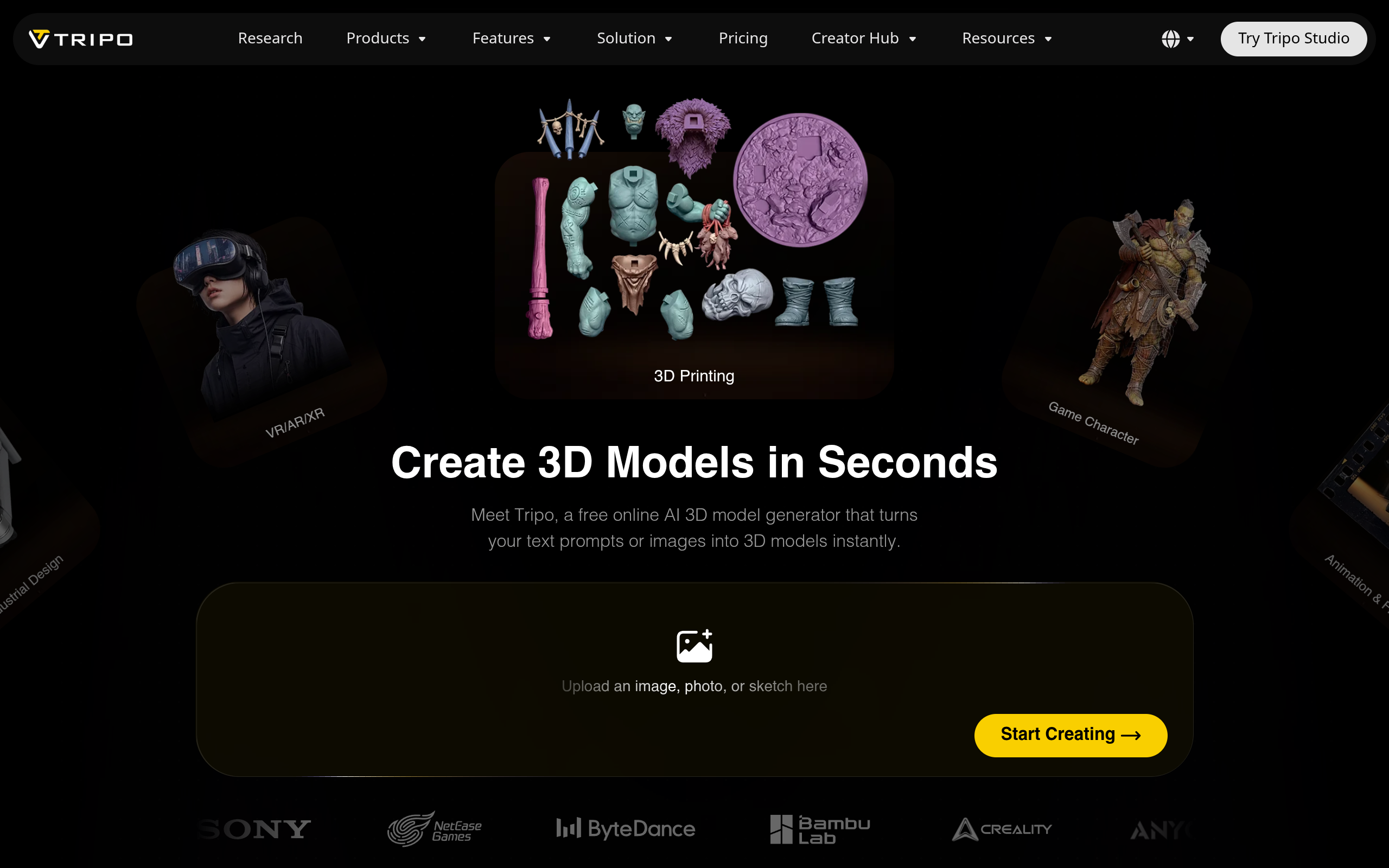
Tripo AI is a generative AI tool that creates 3D models from text prompts or uploaded images, such as photos, sketches, or concept art. It is designed to produce textured models for various applications, including game development, 3D printing, animation, and product visualization. The platform runs in a web browser and does not require software installation.
To create a 3D model, you can either type a descriptive text prompt or upload an image into the provided interface on the Tripo AI website. After submitting your input, the AI processes it to generate a 3D model. Once the model is generated, it can be downloaded in various file formats for use in other software.
Tripo AI can generate 3D models from either a text description or a single or multi-view image. The system uses AI to interpret the input and create a corresponding 3D asset.
For applications requiring high fidelity, Tripo AI can generate models with detail levels of up to 2 million polygons. This is intended for projects like rendering, VFX, and 3D printing where a high level of detail is necessary.
This feature generates quad-based meshes with a polygon count ranging from 500 to 25,000. The resulting topology is optimized for real-time applications, such as games, animation, and VR/AR/XR.
Tripo AI can create models intended for 3D printing. It includes a smart segmentation feature that automatically splits larger models into parts that fit standard print beds.
For character and creature models, Tripo AI can automatically apply a skeleton for rigging, enabling natural movement and animation.
Tripo AI generates textures for the 3D models it creates. This includes full PBR (Physically Based Rendering) sets (albedo, normal, metallic, roughness) with resolutions up to 8K for realistic rendering, or base-color textures for stylized looks.
Create 3D assets for games, with models that can be exported and used directly in game engines like Unity, Unreal Engine, Cocos, Godot, and Roblox. The Smart Mesh feature provides artist-quality quad topology suitable for production pipelines.
Generate detailed, print-ready 3D models directly from an image or concept. The tool can auto-split models into parts for printing and export STL, 3MF, or OBJ files ready for slicing.
Turn concept art into 3D characters, creatures, and props. The auto-rigging feature prepares characters for immediate animation.
Create 3D visualizations of products from a photo. This allows for interactive product displays on e-commerce websites.
Explore product ideas in 3D before committing to CAD design. Generate clean concept models from text or sketches that can be printed and reviewed.
Create performance-optimized 3D models for use in immersive virtual and augmented reality experiences on modern VR headsets.
Yes, Tripo AI offers a free tier that allows users to generate 3D models using its text-to-3D and image-to-3D features without cost.
You can export your generated 3D models in major formats including GLB, FBX, OBJ, and USD. For 3D printing, STL and 3MF formats are also supported. This allows for import into software like Blender, Unity, and Unreal Engine.
Yes, models can be exported as STL files for 3D printing. The platform is designed to create printable models and can auto-segment larger designs to fit standard printer beds.
The website states that models generated using Tripo AI are generally available for commercial use, and directs users to the full terms of service for specific conditions.
No, Tripo AI is a browser-based tool, so no software installation is required. All generation and processing are handled by the platform online. An API is also available for developers.