
Animate Photo
turns still photos into animated videos
Freemium

unpixelate.ai
AI tool that depixelates and sharpens low-resolution images
 Visit website
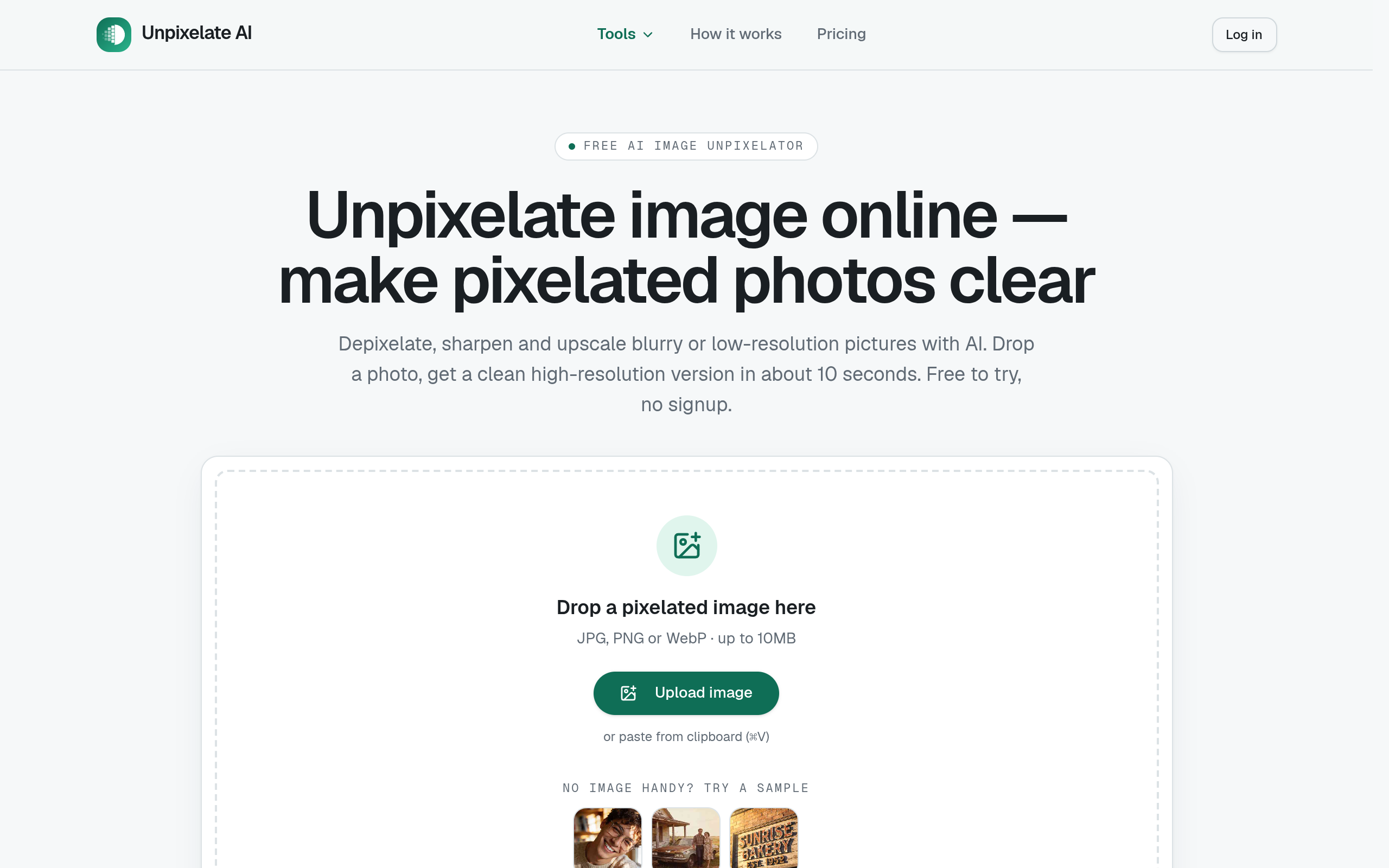
Unpixelate AI is a web-based tool designed to depixelate, sharpen, and upscale blurry or low-resolution images. According to the tool's website, it uses generative super-resolution to reconstruct plausible detail in images, aiming to make photos, screenshots, and old scans appear sharper and clearer. The tool offers a free Standard tier and a paid HD tier, and operates entirely online without requiring software installation.
The website describes a simple three-step process:
Users can drag and drop or upload a JPG, PNG, or WebP file up to 10MB. Images can also be pasted from the clipboard. A sample image is available for users to try the tool.
Users choose between two quality tiers. Standard is described as free and fast, while HD uses a stronger model for faces and fine texture. No prompts or complex settings are required.
After processing, users can slide between the before-and-after images to compare results and then download the high-resolution output, which the site states is not watermarked.
The tool uses what it describes as a diffusion network trained on sharp photographs to infer and redraw missing detail, aiming to produce a higher-resolution image that looks plausible rather than just a stretched, blurry version.
Both quality tiers include face enhancement, with the HD tier featuring a dedicated model for facial-detail recovery. The site positions this tool as particularly effective for restoring faces in low-resolution avatars and old photos.
The Standard tier provides a fast 2x upscale and is free for a limited number of daily uses. The HD tier, which requires credits, is presented as offering full AI reconstruction, rebuilding sharp detail, faces, and text even from heavily pixelated images.
The website states that uploads are processed in memory and automatically deleted, and that user images are never used to train models.
The tool can be used to upscale small avatars and thumbnails pulled from social media or messaging apps, aiming to make them crisp enough for printing or higher-resolution use.
Users can attempt to recover faces and other details from small scans or phone photos of old prints. The HD tier is particularly recommended for this task.
The tool is described as being able to upscale sprites and game captures cleanly for use in wallpapers and streams, with the goal of keeping pixel-art edges sharp.
The AI can be used to repair JPEG blockiness and artifacts that result from messaging apps or repeated re-saving of an image.
The tool is intended to clean up and make readable text in cropped screenshots and chat images that have become blurry or pixelated.
The website states that the Standard tier is free, offering two runs per day without an account and daily free credits for users who sign in. The HD quality tier requires credits, which can be purchased.
No. The site explicitly states that heavily pixelated or mosaic-censored text cannot be faithfully restored as the original information is destroyed. The tool aims to rebuild plausible photo detail, not reverse redactions.
According to the FAQ, the Standard tier returns an image up to 4x the input size (capped at 2048px on the long edge), while the HD tier returns a 2x upscale using a stronger model focused on facial detail.
The website claims that uploads are processed in memory by its model providers and automatically deleted. It also states that images are never used for training models.
The site states that an API is not yet available but is on the roadmap. Users are directed to email support if they require batch or API access.