
ElevenLabs
AI voice generator and voice agents platform
Freemium

bug.youdao.com
AI voice input tool that turns speech into structured text
 Visit website
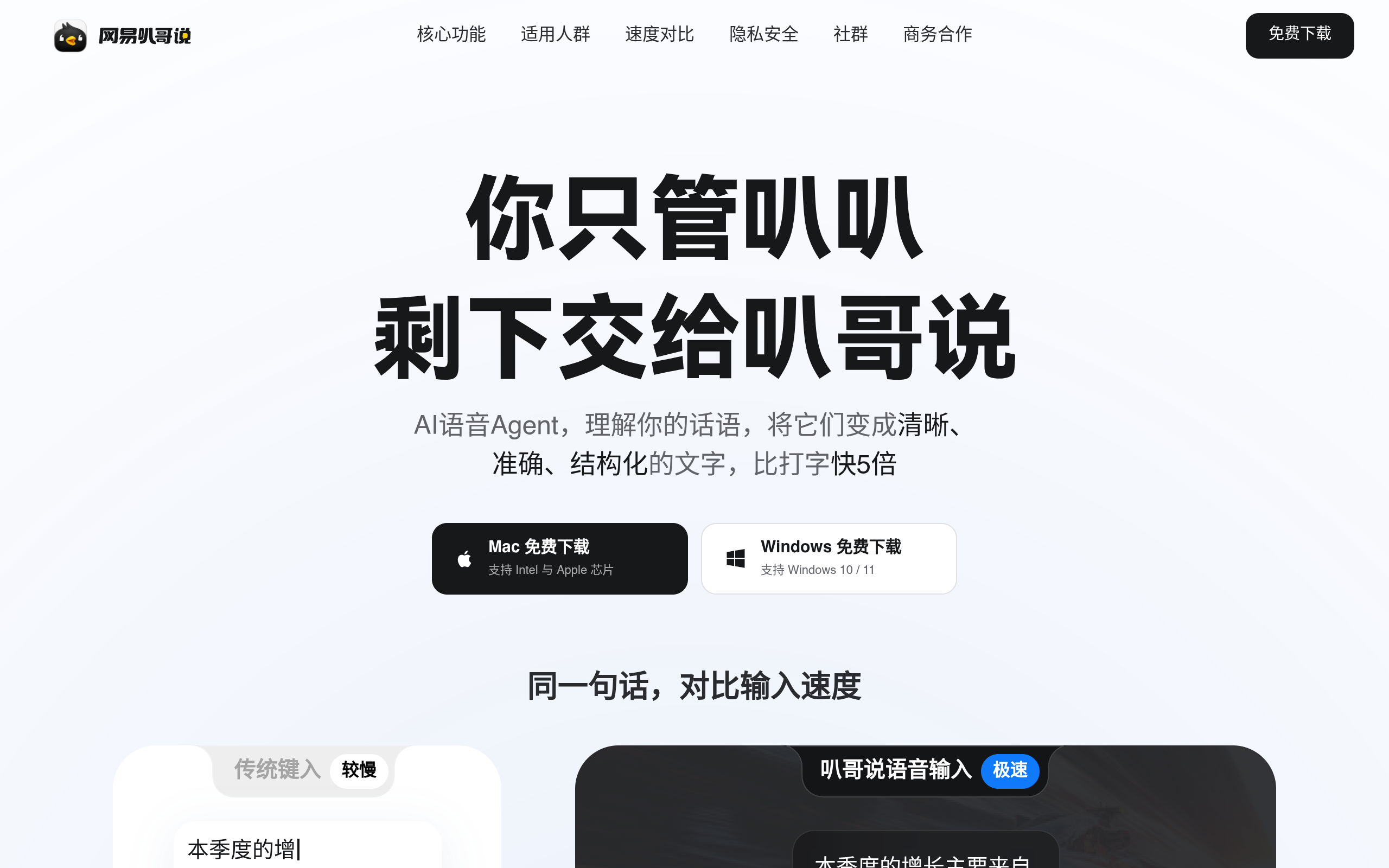
网易叭哥说 is a desktop AI voice agent and voice input tool from NetEase Youdao. According to the official page, it is positioned to understand your speech and turn it into clear, accurate and structured text, with download links for Mac (Intel and Apple chips) and Windows 10 / 11. It is free to download.
The page claims voice input can be up to five times faster than typing. It also documents privacy measures: voice is transmitted encrypted, the cloud does not retain voice or text data, inputs are not used for model training by the provider or third parties, and input history is stored locally and can be viewed or deleted.
The tool is described as automatically removing filler words, adding punctuation and intelligently splitting paragraphs so the output is professional text without manually fixing typos.
The page states it can reliably recognize speech down to 30 dB, including whispered input, in noisy environments and open offices.
Users can build a custom vocabulary so industry terminology, product names and code names are recognized correctly in one pass.
The voice translation feature converts speech between languages in real time, with the page describing professional translation capability for 100+ languages.
The product is presented as working globally across applications so users can dictate into different tools without switching workflows.
Dictate technical documents and README files, including mixed Chinese and English input, and produce commit messages in one sentence with automatic formatting.
Turn weekly or monthly reports into structured text by speaking, and reply to emails in batches with wording polished into a professional written tone.
Speak through PRD and requirement descriptions as ideas come, keeping the thinking flow uninterrupted.
Capture ideas while walking or commuting and turn spoken drafts into coherent paragraphs; filler words and repetitions are cleaned automatically so the draft is ready to edit.
The page offers free downloads for Mac (Intel and Apple chips) and Windows 10 / 11. No paid tier is mentioned in the supplied content.
Mac, including Intel and Apple chips, and Windows 10 / 11.
According to the page, voice is encrypted in transit and the cloud does not retain any voice or text data, inputs are not used for model training, and input history is stored locally where you can view and delete it.
The page states it can recognize input down to 30 dB, suitable for noisy environments and open workspaces.
Yes, through the custom hotword feature, which lets you add industry terms, product names and code names for first-time recognition.
The page describes a voice translation feature that converts speech between languages in real time, with 100+ professional languages supported.
AI voice generator and voice agents platform
Free text-to-speech with 20,000+ character voices

Local desktop app for OCR subtitle extraction, speech transcription and subtitle translation

AI platform for text, document and real-time voice translation