
TextSight
Detects AI writing sentence-by-sentence and rewrites AI-sounding text
Freemium

chatgpt.com
AI chat assistant for answers, writing, and brainstorming
 Visit website
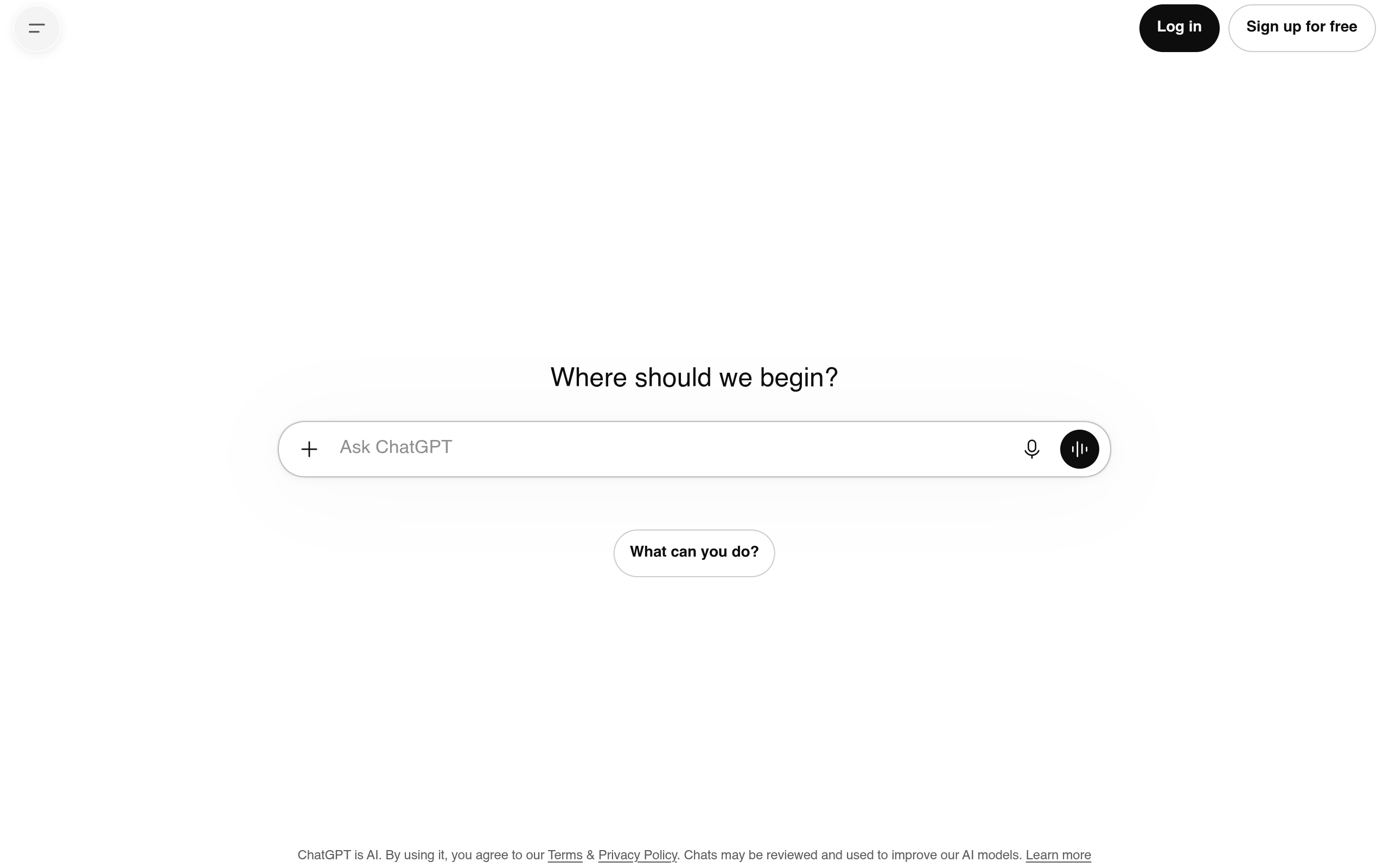
ChatGPT is an AI assistant that helps you get answers, find inspiration, and be more productive. It responds to prompts typed into a chat composer and is described on the page as able to produce "smarter responses," and to support uploading files, images, and more after logging in.
ChatGPT is browser-based and offered through a web interface with a mobile layout. The page states that "ChatGPT is AI and can make mistakes," and that by using it you agree to the Terms and Privacy Policy, with chats possibly reviewed and used to improve AI models.
Type a question or prompt into the chat composer. The landing composer invites you to "Chat with ChatGPT," with the heading "What are you working on?" and the placeholder to "Ask ChatGPT."
Logging in is presented as optional for basic chat but necessary for several features and conveniences. Without logging in, you can still enter a prompt. If you log in, you get answers based on saved chats, you can create images, and you can upload files and photos. The page repeatedly notes that adding files, adding more photos, using web search, creating images, and running deep research require logging in.
When using the composer, you can enter text and, depending on your login state, attach images or files. The page lists supported image formats for upload: .avif, .bmp, .gif, .heic, .heif, .jpeg, .jpg, .png, and .webp. You can clear the current chat from the menu, which the page warns will discard the current conversation unless you sign up or log in to save chats.
Answer prompts typed in the chat composer. The home screen phrases it as getting "smarter responses" and being able to "upload files, images, and more" when logged in.
Attach files and photos to a chat. The page states that adding more photos, adding files, and uploading images are limited without logging in, and that logged-in users "can upload files, images, and more."
Use a web-search option in the composer. Web search is shown as requiring login ("Web search — Log in to use...").
Create images from within ChatGPT. The page labels this "Create image" and indicates it requires login ("Create image. Log in" / "Log in to use").
Run multi-step research that compares sources and produces cited reports you can save to revisit later. The page describes this as "Turn questions into research" and states you must log in to run it.
After logging in, answers are based on saved chats, conversations can be saved, past answers can be searched, and you can pick up where you left off. The page presents chat search and conversation history as login-gated conveniences.
A file drag area labeled "Add anything" lets you bring in content. The page lists supported image formats for upload, and notes that adding more photos may be limited unless logged in.
Ask a question and receive a response. The site frames this as helping you "get answers" and providing "smarter responses" when logged in.
Use ChatGPT to "find inspiration" for ideas or directions for your work, such as when you open the page with "What are you working on?"
Use ChatGPT as a general assistant to be "more productive," as stated in the page meta description and interface copy.
After logging in, upload files, images, and photos into a chat; the page also notes upload limits for photos without login.
Use deep research (with login) to investigate a question across sources and save a cited report to review later.
After logging in, use "Create image" to generate images based on your prompt.
The page indicates you can begin by entering a prompt, but several features and conveniences require login. Logging in is presented as giving answers based on saved chats, the ability to create images, and the ability to upload files and photos. Features such as web search, image creation, and deep research are labeled as requiring login.
The page states that after logging in you can upload files, images, and more, and it lists supported image formats: .avif, .bmp, .gif, .heic, .heif, .jpeg, .jpg, .png, and .webp. It also notes that without logging in you may be limited in how many photos you can add.
Deep research is described as a way to turn questions into research, run multi-step research, compare sources, and save cited reports to revisit later. The page indicates you must log in to use it.
Yes. The composer includes a web-search option. The page labels it "Web search — Log in to use...", indicating it requires login.
Yes. The page includes a "Create image" action that is shown as requiring login before you can use it.
The page states that chats may be reviewed and used to improve AI models, and that by using ChatGPT you agree to the Terms and Privacy Policy. It also links to settings that include data controls for improving the model for everyone, with a note that steps are taken to protect privacy.
No. The page states plainly that "ChatGPT is AI and can make mistakes," so responses should be checked rather than assumed correct.
The page links saving conversations, searching past answers, and resuming where you left off to logging in. Without logging in, clearing the chat will discard the current conversation, and the page suggests signing up or logging in to save chats.
Detects AI writing sentence-by-sentence and rewrites AI-sounding text

AI interview assistant for real-time answers, coding help, and live coaching

AI agent workspace for orchestrating end-to-end marketing workflows

Chat with AI characters in user-created or community-driven scenarios