
TextSight
Detects AI writing sentence-by-sentence and rewrites AI-sounding text
Freemium

www.chatpdf.com
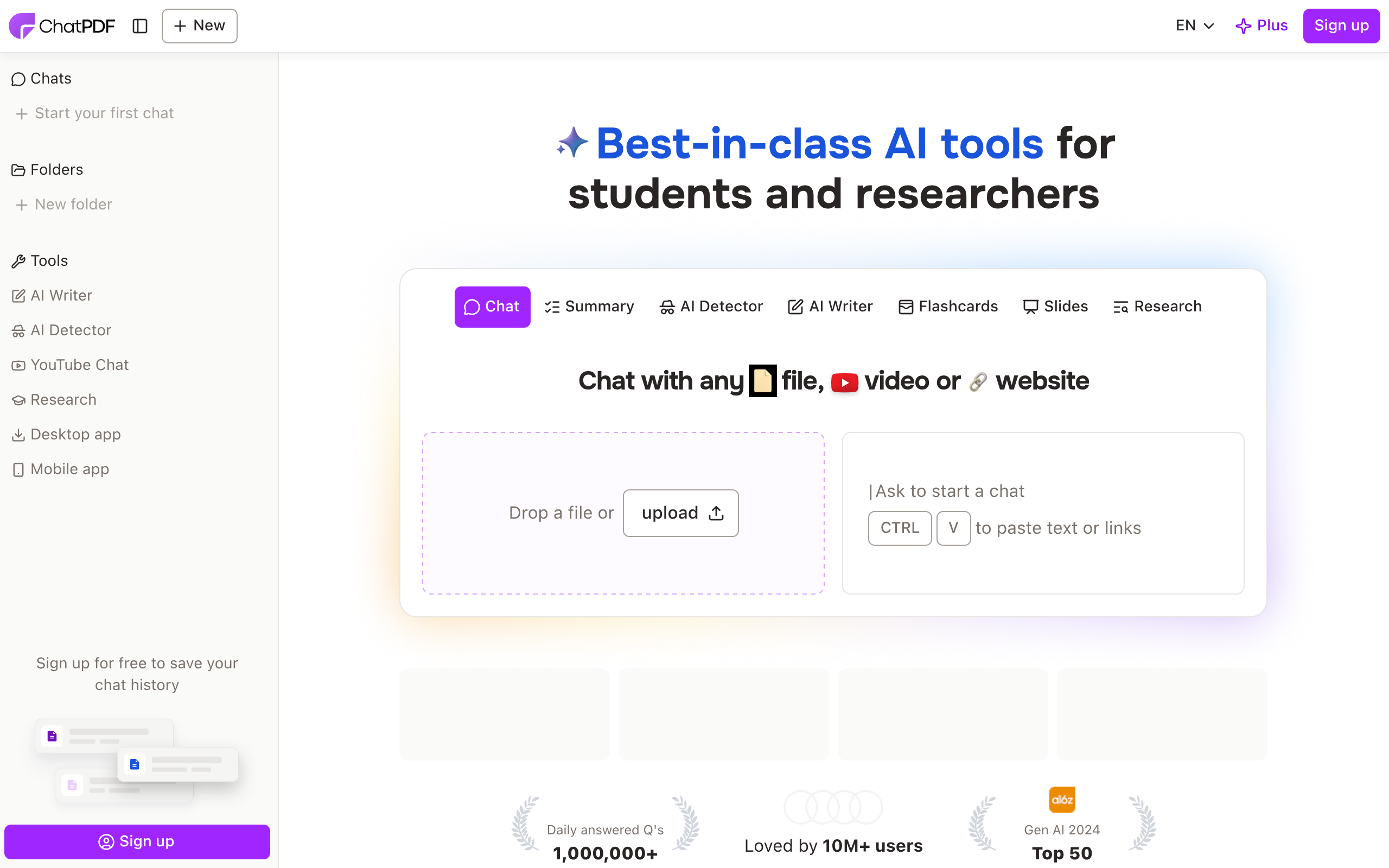
Chat with and summarize PDFs and other documents using AI
 Visit website
Chatpdf is an AI-powered document assistant that lets you chat with PDFs and other documents in a conversational way. It is described as "like ChatGPT but for PDFs," and is designed for students, researchers, and professionals who need to summarize, compare, and ask questions of documents. The platform is used by over 10 million researchers and answers more than 1,000,000 questions daily, according to the page. It supports PDF, Word, PowerPoint, Markdown, and text files, and works in any language. Responses include built-in citations that link back to the source document.
Upload a PDF or other supported file and ask questions about its content. The AI generates clear responses with citations to help you verify information.
Create folders to organize files and chat with multiple documents in one conversation. Ask questions that reference multiple sources, compare content, or find connections between documents.
Responses include built-in citations that link to the original document, so you can jump directly to the relevant section instead of searching page by page.
Keep the chat and the document open together. Answers are linked to the original PDF content, making it easy to verify or explore further.
Generate summaries of academic articles, research papers, or reports to extract key insights without reading everything.
Upload documents in any language and chat in your preferred language. You can also upload a document in one language and ask questions in another.
Chatpdf supports a growing range of document formats including PDF (.pdf), Word (.doc, .docx), PowerPoint (.ppt, .pptx), Markdown (.md), and Text files (.txt).
Documents are protected by SSL encryption during transfer and remain encrypted while stored. The service uses a SOC2 Type II certified storage provider, and you maintain full control over your data with the ability to delete documents at any time.
Use Chatpdf to explore scientific papers, academic articles, and books. Get summaries and answers to questions to support your research.
Use Chatpdf to study for exams, get help with homework, and answer multiple-choice questions from your course materials.
Use Chatpdf to navigate legal contracts, financial reports, manuals, and training materials. Ask questions to quickly find information in long documents.
Create folders and chat with multiple files to compare content, find connections, and reference multiple sources in one conversation.
Upload documents in any language and ask questions in another language, making it useful for international research and cross-language work.
Chatpdf offers a free plan that lets you analyze 2 documents every day. A Chatpdf Plus plan provides unlimited document analysis and more advanced features.
No, you can start using Chatpdf without an account. Creating a free account unlocks additional features like saved history and multi-document chats.
Yes, Chatpdf supports a growing range of document formats including PDF, Word, PowerPoint, Markdown, and Text files.
Yes, you can create a folder, add files, and Chatpdf will understand relationships across all documents. You can ask questions that reference multiple sources, compare content, or find connections between documents.
Chatpdf states that documents are protected by SSL encryption during transfer and remain encrypted while stored. The storage provider is SOC2 Type II certified, and you can delete your documents at any time.
Yes, Chatpdf is fully multilingual. You can upload documents in any language and chat in your preferred language, including mixing languages between the document and your questions.
Yes, Chatpdf is designed to be compatible with all devices. You can access your documents from a desktop, tablet, or phone using a web browser.
Chatpdf uses smart dynamic routing for queries between GPT-4o and GPT-4o-mini models to balance speed, quality, and efficiency.
Yes, while documents are private by default, you can generate secure links for specific PDFs to invite others, who can access them for free without an account. You can manage access rights and revoke sharing permissions at any time.
Detects AI writing sentence-by-sentence and rewrites AI-sounding text

AI interview assistant for real-time answers, coding help, and live coaching

AI agent workspace for orchestrating end-to-end marketing workflows
Chat with AI characters in user-created or community-driven scenarios