
GeekLink
Local desktop app for OCR subtitle extraction, speech transcription and subtitle translation
Freemium

faceseek.online
Reverse face search across public web sources
 Visit website
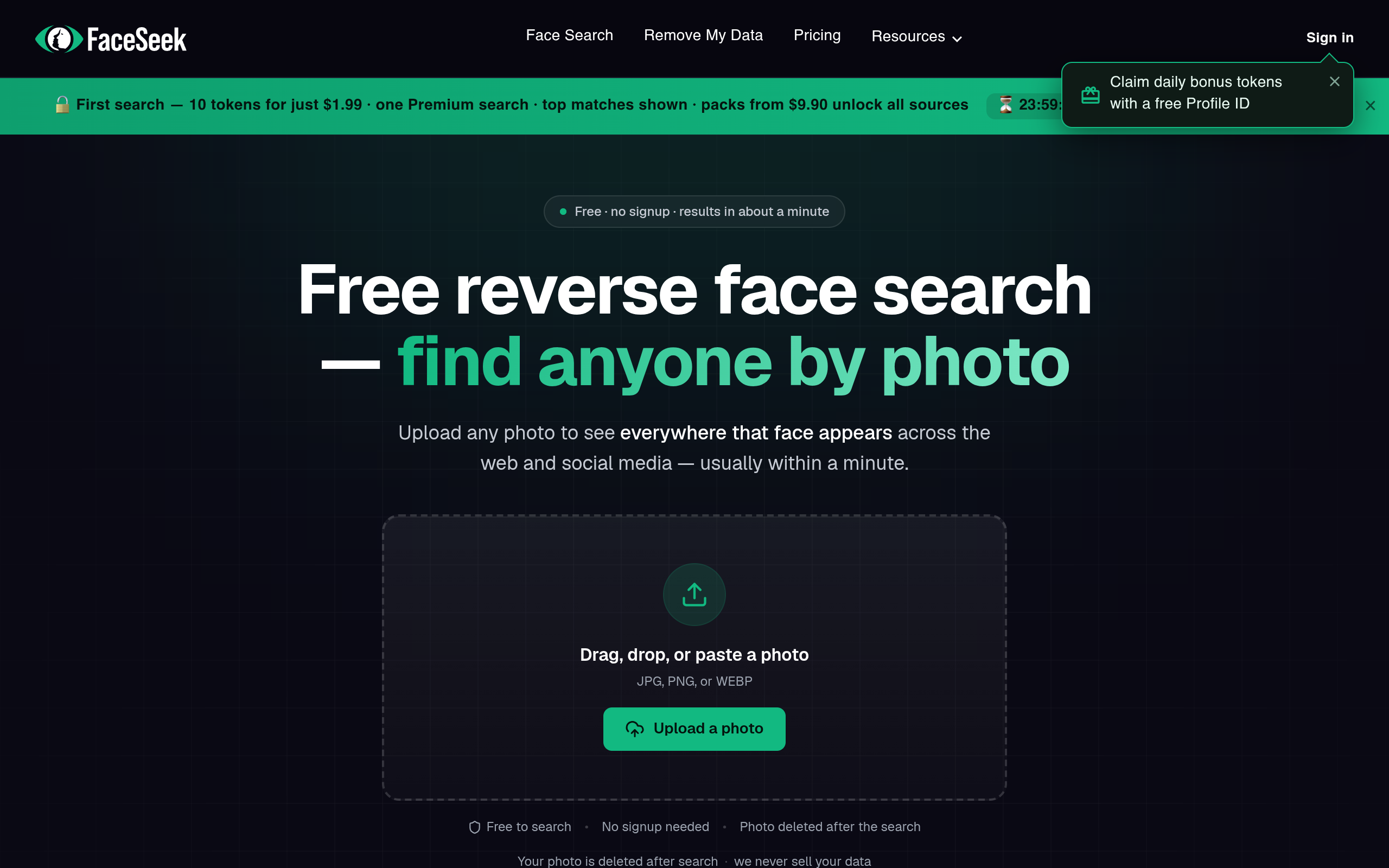
FaceSeek - AI Face Search is a web-based reverse face search tool that helps users find where a face appears across public web pages, social media profiles, forums, blogs, and public directories. It uses facial recognition to generate a faceprint from an uploaded image and compares it against an index of publicly available images, returning ranked results with confidence scores.
The page describes FaceSeek as both a people search and reverse image search tool, and notes that it is intended for public data only. It states that the tool cannot access private messages, locked profiles, paywalled or subscriber-only data, government or law enforcement databases, or private account information protected from online face search. It also offers an AI and deepfake detector, data-broker exposure checks, removal planning, monitoring, a developer API, and an affiliate program.
FaceSeek says searches can start without an account and that uploaded photos are deleted right after the search. It also states that free daily searches are available, while premium reveals every source link and scans more sources for extra matches. According to the page, users are only charged tokens when a Premium search actually finds matches.
FaceSeek describes a four-step process for running an online face search.
Choose a sharp, front-facing photo for better facial recognition accuracy. The page states that clear, well-lit, front-facing photos with a neutral expression work best. It advises avoiding blurry images, heavy filters, sunglasses or masks, and photos where the face is very small or at an extreme angle.
Upload a JPG, PNG, or WEBP photo to begin the online face search process. The page says users can drag, drop, or paste a photo, and that no account is needed to search.
Review match scores and source credibility. The page states that results are ranked with confidence scores and that premium reveals every source link so users can verify the match themselves.
Cross-reference sources for similar evidence before taking action based on a face lookup. The page advises verifying information across multiple sources before acting.
Upload a photo to find where that face appears across the public web and social platforms. The page describes this as a people search and reverse image search in one.
FaceSeek says its engine detects faces in an uploaded image, creates a unique faceprint by mapping key facial features, compares that faceprint against an index of publicly available images, and returns ranked results with confidence scores.
Check an image for AI-generated or deepfake manipulation. The page presents this as a way to expose catfish and fake profiles before trusting them.
The page states that Data Protection scans 1,133 US people-search sites and data brokers for a user's name, address, phone, and relatives, shows where the user is listed with a risk score, and provides a ranked, one-click opt-out link for each. The Exposure Report is described as free with no account, with the full report costing $1 for the first one and then being included with a Data Protection or Complete plan.
FaceSeek says users can remove their photos from reverse face-search engines and their name, address, phone, and relatives from 1,133 US data-broker sites through a ranked, done-for-you removal plan.
The page states that FaceSeek re-scans the web and data brokers on a schedule and emails users when their face or personal data resurfaces, so they can catch impersonation and re-listings as they happen.
Run reverse face search and AI or deepfake detection from your own product with one authenticated REST call. The page mentions prepaid tokens and an instant key.
Share a referral link and earn 30% lifetime cash on everything referrals buy, plus bonus search tokens on every signup. The page says it is free to join.
Use online face search to check whether profile photos appear on other accounts with different names, supporting authenticity checks and online safety.
Identify stolen photos used across multiple platforms to uncover fraudulent profiles and detect impersonation.
Find individuals by face and trace their online presence for identity verification, using the face search engine.
Perform a facial search to discover original artists and sources for portraits and visual content, supporting proper attribution.
Use FaceSeek to check a profile photo or find where your photos appear, and to spot a catfish or fake account.
Upload a clear, front-facing photo and FaceSeek runs a reverse face search across the public web, returning the pages and profiles where the same face appears, ranked by confidence. No name or account is needed to start.
Yes, the page states that free daily searches are available with no signup needed to search. Premium unlocks every source link and scans more sources for extra matches, and users are only charged tokens when a Premium search actually finds matches.
The page states that searching public web content by face is legal in most places for legitimate uses, such as verifying someone you met online, checking a profile photo, or finding your own photos. It advises not using it to stalk, harass, or identify people against local law.
You can search without an account, and the uploaded photo is deleted right after the search. The page states it is not published, sold, or added to any profile or database.
Clear, well-lit, front-facing photos with a neutral expression work best. Avoid blurry images, heavy filters, sunglasses or masks, and photos where the face is very small or at an extreme angle.
Accuracy depends on photo quality and whether matching images exist online. Every match comes with a confidence score. Verify results across multiple sources before acting, and use a high-quality photo for the most reliable outcomes.
The page states that Google Images looks for visually similar pictures overall, often matching backgrounds, colors, or objects, while FaceSeek is optimized for faces and is better at finding different photos of the same person across the web.
It can surface publicly visible social profiles that contain a matching face. It cannot access private accounts, friends-only content, or anything behind a login, so results depend on what people have made public.
Most searches finish in under a minute, and matches stream in as each source responds.
Yes. If you find your face in a result and want it excluded, submit a removal request through the opt-out process, and FaceSeek will handle it in line with its privacy policy.
Yes, FaceSeek searches global public web sources. Result availability can vary by region depending on what is publicly indexed and local privacy rules.
Yes, for legitimate use cases such as brand protection, verifying professional profiles, and research. Business use must follow FaceSeek's terms and applicable data-protection and privacy laws.
The page states that Data Protection scans 1,133 US people-search sites and data brokers for your name, address, phone, and relatives, shows exactly where you're listed with a risk score, and provides a ranked, one-click opt-out link for each. The Exposure Report is free with no account; the full report is $1 for the first one, then included with a Data Protection or Complete plan.
Data Protection checks 1,133 US people-search sites and data brokers (1,470 filing targets), drawn from four state data-broker registries: California, Texas, Oregon, and Vermont. A Data Protection or Complete subscription re-scans them every month and emails you when a new exposure appears, so you can file a removal before it spreads.
Reverse face search finds where your photo appears across the web; Data Protection finds where your personal data, such as name, address, phone, and relatives, is listed on people-search sites and brokers. The Complete plan covers both in one subscription.