
Midjourney
AI image and video generation research lab
Freemium

gamma.app
AI design partner for presentations, websites, and documents
 Visit website
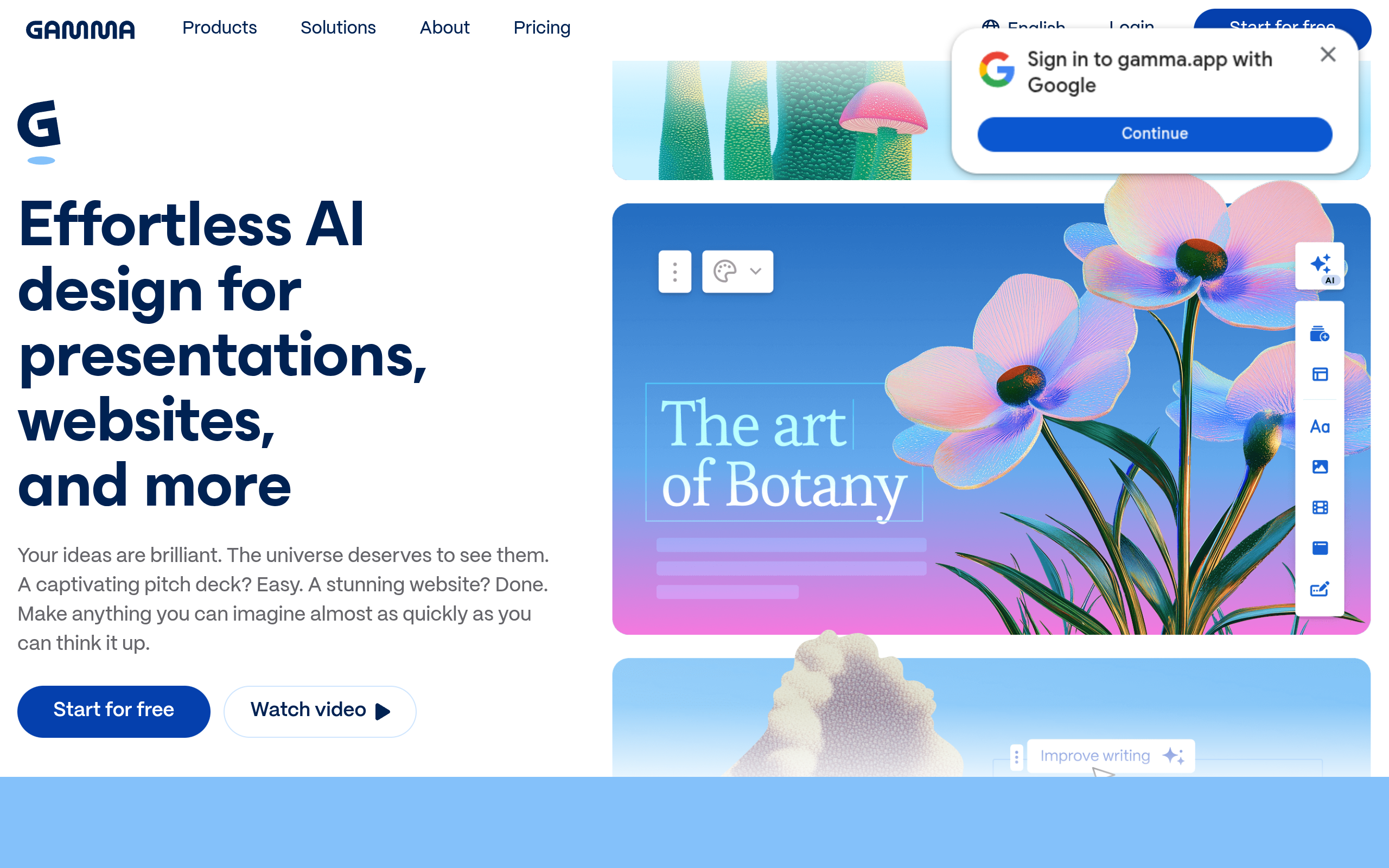
Gamma AI is an AI-powered design tool for creating presentations, websites, documents, graphics, and social media content. According to its site, it is positioned as an all-in-one design partner that requires no code or design experience. The page states that content can be generated from a prompt, an outline, or an existing file, with support for more than 20 AI models and over 100 themes.
Whether content is used to train AI features depends on the workspace type. For Team and Business workspaces, content is automatically excluded from AI training. For individual workspaces on Free, Plus, Pro, or Ultra plans, content is allowed to be used to train AI features by default, though users can opt out through account settings.
Gamma AI can generate presentations, documents, websites, graphics, and social media content, and can also be used programmatically through an API for automation and integration.
Gamma AI can be used by starting from an idea, pasting in an outline, or importing existing content. The site lists a free tier with a starter pack of AI credits, and additional credits can be earned by referring friends. Paid plans unlock the latest AI models, more credits, advanced analytics, custom fonts, and the option to remove the Gamma badge.
The tool can instantly add smart layouts, rich content, and translations; generate and rework images with AI; and support real-time collaboration with a team.
Projects can be shared as a website, social post, or link, and exported as PPT, PDF, PNG, or Google Slides, with engagement metrics available for tracking.
Gamma AI supports content generation and prompts in more than 60 languages, including Spanish, German, French, Portuguese, Japanese, and Korean; users can type prompts in their preferred language and Gamma AI will generate output in that language.
The site says Gamma AI offers a free tier that includes a starter pack of AI credits to generate presentations, webpages, documents, and social media assets, and that more credits can be earned by referring friends. Paid plans unlock the latest AI models, more credits, advanced analytics, custom fonts, and the option to remove the Gamma badge.
For Team and Business workspaces, content is automatically excluded from AI training and requires no extra action, according to the page. For individual workspaces on Free, Plus, Pro, or Ultra plans, content is allowed to be used to train AI features by default, but users can opt out at any time through account settings.
Every project is private by default; when ready, users can share with a whole team, with specific individuals, or publish publicly, controlling the audience for each project.
Gamma AI supports content generation and prompts in more than 60 languages, including Spanish, German, French, Portuguese, Japanese, and Korean.
Shared workspaces keep a team's work organized in shared folders, allow creating and editing the same projects in real time, and let existing content be used as a starting point for new creation.
The site lists PPT, PDF, PNG, and Google Slides as export formats.