
Animate Photo
turns still photos into animated videos
Freemium
 Visit website
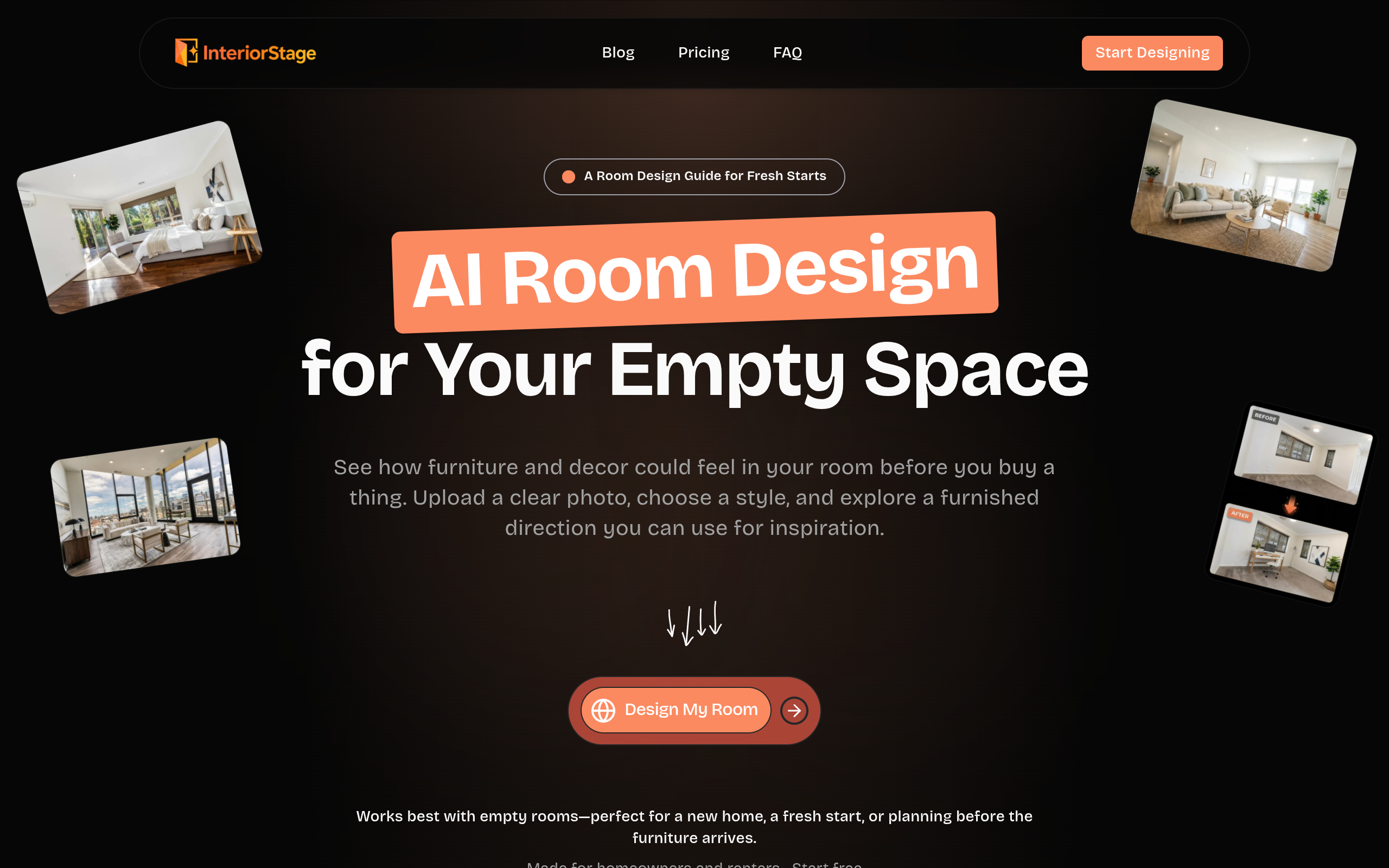
InteriorStage AI is a web application that adds AI-generated movable furniture and decor to a photo of an empty room. After upload, the user chooses a design style and receives a furnished concept image that can be compared with the original photo.
The tool works best with empty rooms and is aimed at homeowners and renters who want to explore a direction before they shop, move in, or arrange a blank space. Generated items are visual concepts, not a catalog of purchasable products.
Upload a photo of an empty space and receive a furnished concept with generated movable furniture and decor. The room structure and fixed surfaces shown in the original image are kept.
Choose the style you want to explore, and label the room type or let InteriorStage detect it.
Turn one room concept into a short scene video, available on paid plans.
Combine several room concepts into one video with transitions and music, with a Modern, Luxury, Warm, or Cinematic mood.
Upload more than one empty-room photo to explore several spaces, with allowances depending on the plan.
Explore a furnished direction for a blank room before furniture arrives, and compare complete looks rather than guessing item by item.
See seating, rugs, tables, and decor as one connected idea to react to the scale, visual weight, and mood, and as inspiration before shopping.
Keep windows, walls, floor, and lighting as photographed while exploring a practical arrangement of movable seating, tables, rugs, art, and lamps.
Save concepts as a moving mood board or share them with family or a designer helping choose furniture and decor.
InteriorStage adds AI-generated movable furniture and decor to a photo of an empty room. You choose a design style, then receive a furnished concept that can help you explore a direction before you shop or move in.
An empty room photographed clearly, ideally from a doorway or corner, with the full floor area visible. This makes the tool useful for a new home, a fresh start, or planning before furniture arrives.
An empty-room photo is the intended starting point. InteriorStage adds furniture and decor; it is not designed to clear existing furniture from a photo.
Homeowners and renters facing a blank space, such as a new place, an emptied room, or a fresh start before new furniture arrives. No design software or finished shopping list is needed to begin.
Upload one or more empty-room photos, label the room type or let InteriorStage detect it, choose a style, generate a furnished image, compare it with the original, and try another style for a different direction.
Every generation gives a furnished room image. Depending on the plan, you can also turn one concept into a scene video or combine several room images into a video with transitions and music.
Yes. The Free plan includes two room-design images each month with a watermark. Paid plans remove the watermark and include higher image and video allowances.
No. The generated furniture and decor are visual concepts, not a catalog of items you can purchase. Use the result to compare styles and guide your search, then check the measurements, materials, and fit of any real item before buying.
Upgrades apply right away, while downgrades take effect at the next billing cycle. Cancellation is done from the dashboard account page, and paid access continues through the end of the current billing period.
Treat it as a starting point for decisions and conversations: save ideas you like, share them with family or a designer, use them to narrow a furniture search, and review every image before relying on it for a real purchase.