
TextSight
Detects AI writing sentence-by-sentence and rewrites AI-sounding text
Freemium

www.izzedo.chat
One subscription for chatting with multiple leading AI models
 Visit website
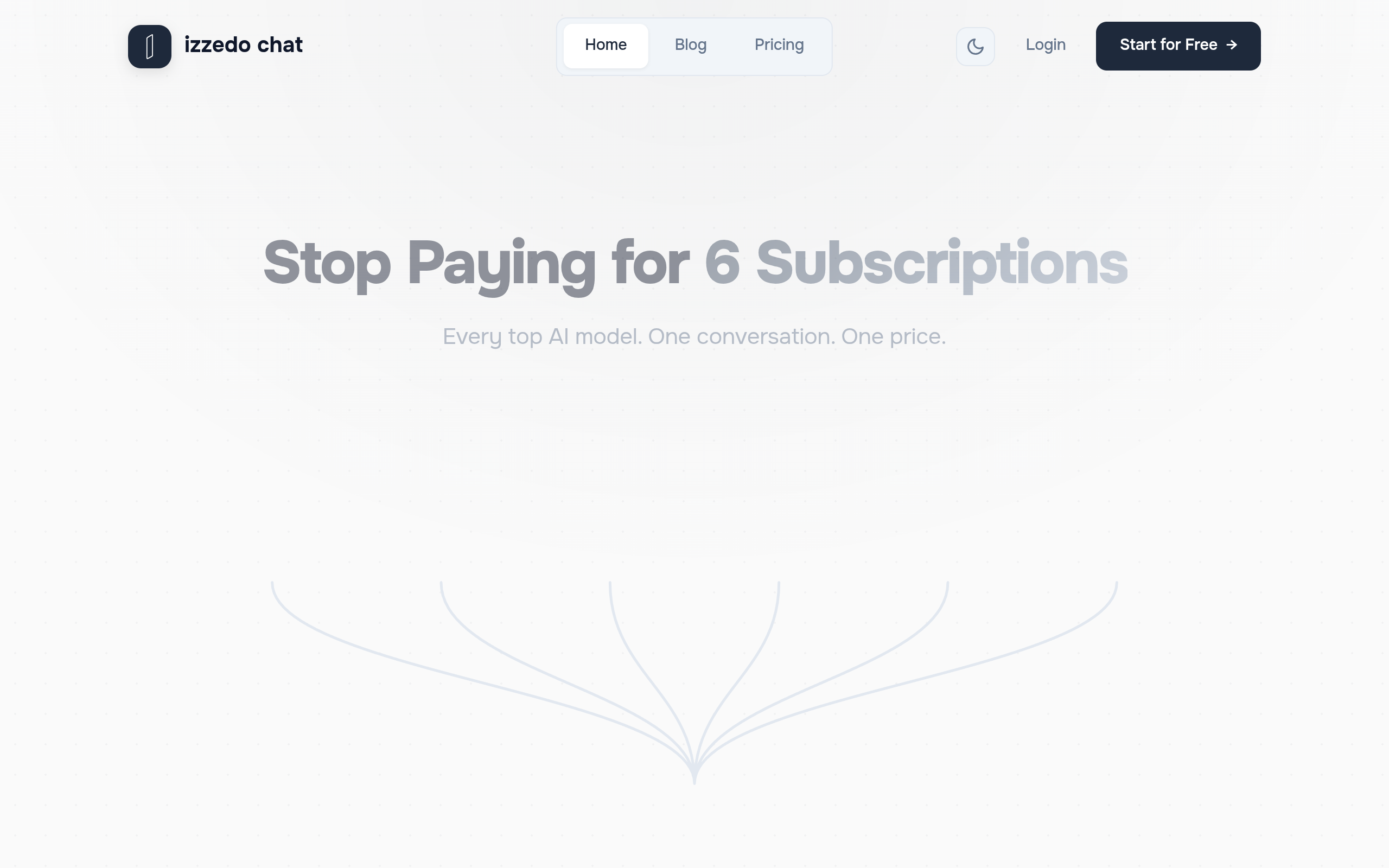
izzedo chat is a web-based AI chat platform that provides unified access to multiple third-party AI models in one subscription, including OpenAI's GPT, Anthropic's Claude, Google's Gemini, Grok, Perplexity and DeepSeek, along with image generation models. Rather than paying separately for each provider, users work inside a single conversation and switch models as they go. A native desktop app is also available for macOS and Windows, and offers local projects that let the AI work with real files on the user's computer.
The product is used through a browser or the native desktop app. After starting a chat, the user picks a model, writes a prompt, and can switch to a different model mid-conversation while keeping the thread. Documents, images and connected tools can be pulled into the same conversation. For the desktop app, the published macOS install command is curl -fsSL https://izzedo.chat/desktop/install.sh | bash, run in Terminal. Access tiers are divided into a free tier with free models and paid plans, with usage measured in five-hour windows; automations, agent mode and connectors are available depending on the plan.
Users can choose among all top AI models inside one conversation and switch models without starting over, so a single thread can combine, for example, research, drafting and formatting from different providers.
Conversations can be organized into projects and folders, with default system prompts set at the project level for consistent AI behaviour.
The platform lets users review, edit and approve what the AI remembers from a conversation, keeping control over project and profile context.
Uploaded documents such as PDFs, repositories and papers become searchable conversational knowledge.
Instructions and context from a conversation can be bundled into a reusable skill that the AI creates on request and applies in later chats.
Advanced vision capabilities let users analyze and discuss visual content, and multiple image generation models create images from text prompts.
Files in any format can be uploaded so their content is extracted, analyzed and discussed.
Built-in search gives access to current information from the web.
Recurring AI tasks can be scheduled hourly, daily, weekly or on weekdays to run in the background with a chosen model and integrations.
Users can jump to key points in long conversations and branch off from any point in a chat without losing the original thread.
More than 50 integrations, including Notion, Google Drive, GitHub, Gmail, Airtable, Google Calendar, Google Sheets, Confluence, OneDrive and Zendesk, pull context from external platforms into conversations. The page states more are added every week.
A native app runs the same service plus local projects that read, edit and create files in a chosen folder on the user's Mac or PC. Projects and history sync to the cloud.
Entrepreneurs can pitch an idea to several models to gather varied feedback, and switch models to draft cold outreach or investor-oriented emails.
Users can search the web for market data and then ask different models to analyze it inside the same chat, building a competitive landscape without leaving the conversation.
Writers and marketers can draft with one model and refine with another, repurpose a blog post into social threads, email campaigns and ad copy, or generate images alongside matching headlines and captions.
Students can ask multiple models to explain a concept differently, collect different perspectives on a draft, search for academic sources to summarize and compare, and turn notes into study guides or Q&A formats.
Consultants can draft proposals and scope documents, condense meeting notes into executive briefs, generate charts and export PDF, Word, Excel or PowerPoint deliverables, and apply frameworks such as SWOT or Porter's Five Forces for comparison across models.
Trip itineraries, meal plans and home projects can be planned step by step, with search-based summarization and image generation for creative tasks.
Models named on the page include OpenAI ChatGPT, Claude, Gemini, Perplexity, Grok, DeepSeek, and image and video models, described as "All 20+ models included" in the comparison against separate subscriptions.
Yes. The page states that all steps of a task can happen in one conversation and that users switch models as they go, without losing the original thread.
Yes, a free tier exists with no credit card required. Per the SoftwareApplication data, it covers free models such as DeepSeek, Kimi, Gemini Flash and Grok, with approximate limits of 15–25 questions in any five-hour window and 25–40 per week.
The paid Hobby plan (listed at $6/month) is described as including all chat and image models, agent mode, 50+ connectors and five automations, with roughly 45–60 questions, 5–10 agent tasks or 1–2 research runs on premium models per five-hour window. Higher tiers increase these limits, automations and video generation allowances. Team plans add team management and sharing, and annual billing is offered at a discount.
According to the page's structured data, the free tier uses free models: DeepSeek, Kimi, Gemini Flash and Grok, under the usage limits stated above.
Yes. A desktop app is offered for macOS and Windows, described as the same product as the web app with the addition of local projects that work directly with files on the user's computer. Projects and history sync to the cloud so they remain reachable from the web app.
The page states 50+ integrations are available, listing Notion, Google Drive, GitHub, Gmail, Airtable, Google Calendar, Google Sheets, Confluence, OneDrive and Zendesk, and says more are added every week.
The page states the platform is GDPR compliant, that user data is never used for model training, that providers do not store prompts, and that users can delete their conversation history at any time.
Detects AI writing sentence-by-sentence and rewrites AI-sounding text

AI interview assistant for real-time answers, coding help, and live coaching

AI agent workspace for orchestrating end-to-end marketing workflows
Chat with AI characters in user-created or community-driven scenarios