
Animate Photo
turns still photos into animated videos
Freemium

youart.ai
AI image and video generation platform with multiple models
 Visit website
YouArt is a creative AI platform for generating images and videos from text prompts, reference images, or both. It brings together a catalog of AI image, video, audio, and text models within one workspace, alongside a workflow editor, creative agents, and an asset library. The platform is described as suitable for creators, marketers, designers, founders, and teams working with a story, product, campaign, or visual idea.
YouArt supports text-to-video and image-to-video creation paths. Its video-focused workflows include options such as Seedance 2.0, Seedance 2.5, and Wan 3.0, each intended for different levels of control, duration, and reference depth.
The page outlines a straightforward creation loop:
The page also notes that browsing the catalog, building workflows, and opening projects are free, and that new accounts begin with trial credits.
YouArt provides access to a catalog of AI models for image, video, audio, and text generation. The page states that every model page lists inputs, outputs, capability tags, and price, and is free to read. Browsing and comparing models costs nothing.
YouArt supports creating video from written prompts, still images, or a combination of both. Text can define the story, subject, action, setting, and mood, while images can guide visual direction when a product, character, composition, palette, or style needs to stay central to the brief.
YouArt includes a workflow builder. The page states that projects and workflows carry no node restrictions, so one project can hold as many workflows as the work needs, and that template access is unlimited on a plan. Building workflows is free to begin.
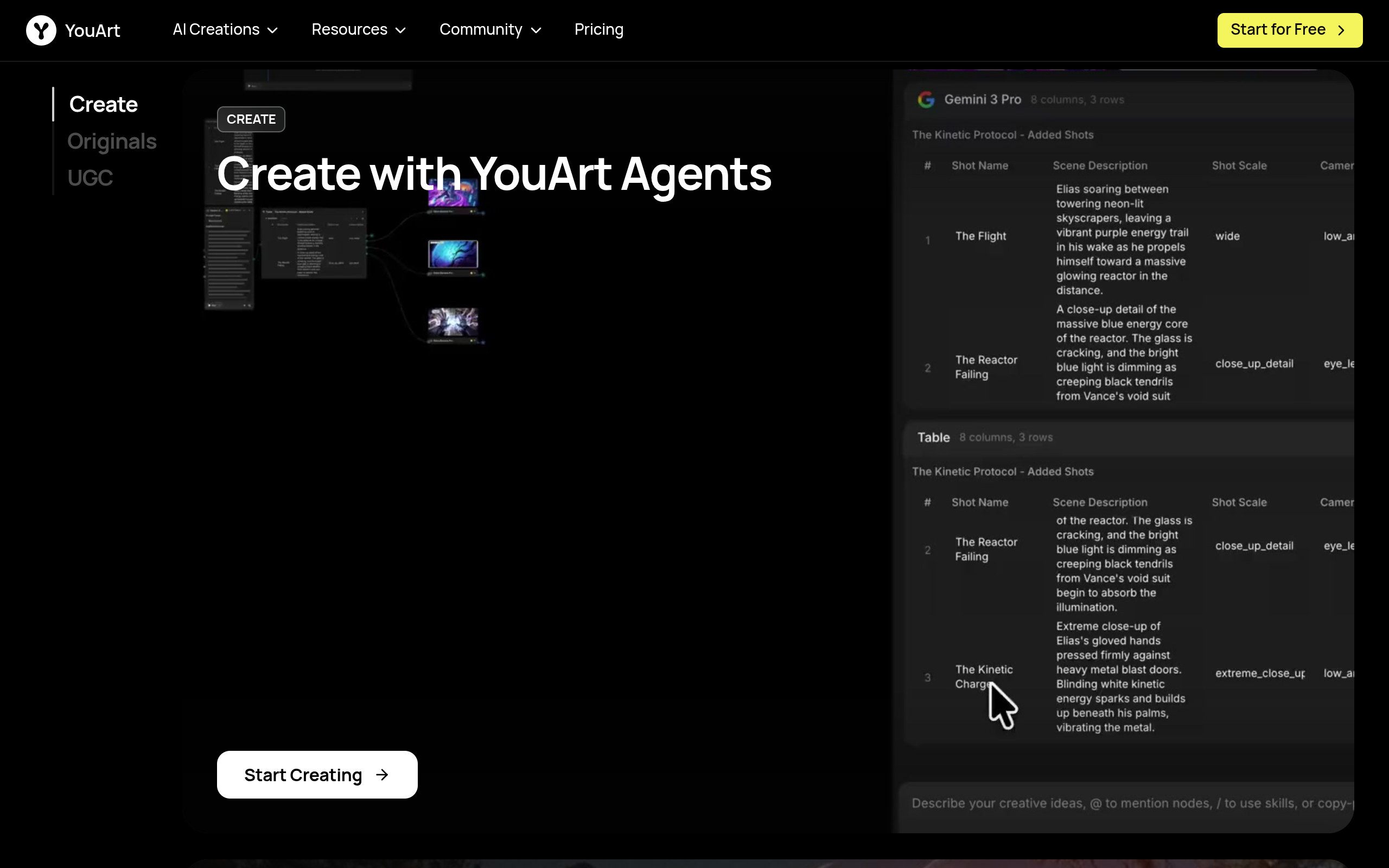
The platform includes creative agents that support moving from an initial idea to a video direction as part of a connected creative environment rather than separate projects.
The page highlights several video models. Seedance 2.0 is described for short scenes shaped by text, visual references, clips, and sound direction. Seedance 2.5 offers a more production-oriented path with longer native sequences, more multimodal references, and local changes after a nearly finished generation. Wan 3.0 provides 2-30 second clips at up to 1080p with native audio and text-to-video or frame-guided image-to-video controls.
Free Mode is a switch on the model itself. Nano Banana and Nano Banana Pro both support it: turning it on makes the run join a free queue instead of spending credits. The wait is roughly ten minutes, and heavy same-day use stretches it further under a fair-use daily allowance. If a user prefers not to wait, the identical model runs immediately on credits.
A free account is described as giving access to the whole creative workspace: the AI model catalog, the workflow editor, the creative agent, sessions, and an asset library.
For social video, music-adjacent visuals, short narratives, and channel content, YouArt can be used with a short creative brief to define the hook, subject, movement, and feeling, then develop the result into the next prompt, post, or edit. Images can help preserve a recognizable subject or style across a series.
Marketing teams can use YouArt to make campaign thinking visible before a full shoot or edit. Reference images, product assets, and direct prompts help test dynamic directions. The page notes that the goal is not to publish every first generation, but to make creative choices earlier.
Product teams can turn a screen, screenshot, or release note into a sequence showing previous friction, the new capability, and the payoff. The page references an AI feature launch video generator workflow for this kind of product communication.
Designers and agencies can use generation to make a direction visible early — a camera idea, a color world, a product moment, or a pitch treatment — providing a concrete sample to discuss and improve before a full production.
For an identity element that needs to move across intros, ads, and social posts, the page references a logo animation maker as a focused workflow for animated logo ideas.
YouArt includes an AI UGC workflow for creating UGC ad videos from a photo.
Yes, to start. Creating an account, browsing the AI model catalog, building workflows, and opening projects are all free, and new accounts begin with trial credits so the first generations cost nothing. Free Mode runs selected models at zero credits with a free queue.
Nano Banana and Nano Banana Pro currently support Free Mode, so they run at zero credits. Other image, video, and audio models run on credits, and the price is shown on the model page before generating.
Free Mode carries no per-run charge and no trial counter, but it is not literally infinite: a fair-use allowance applies each day, and heavy same-day use lengthens the queue rather than raising the price. A paid plan removes the queue entirely.
Yes. Users can begin with a text prompt, a reference image, or a combination of both. Text can define the story, subject, action, setting, and mood, while images can guide visual direction when a product, character, composition, palette, or style needs to stay central to the brief.
A good prompt names the subject, the action, the setting, the camera or movement feeling, and the purpose of the video. If the result needs to align with a specific design or object, a relevant image reference helps. The page suggests starting specific, reviewing the output, then refining only the parts that do not yet serve the idea.
They play different roles. An AI video generator creates new video material from prompts and inputs; a video editor helps shape the pacing, sequence, text, and final presentation of that material. Many projects need both.
The page suggests choosing based on the scene. Seedance 2.0 is for short, reference-led video with integrated audio possibilities. Seedance 2.5 may fit longer sequences, more reference assets, and localized changes. Wan 3.0 is another option for high-resolution, connected-shot storytelling and image-to-video or text-to-video work.
Yes. AI video creation can explore brand motion, product stories, campaign concepts, and launch communications. The page recommends beginning with assets and language the team already trusts, such as product images, visual standards, release notes, and customer outcomes, then using the generated output as a focused creative draft or the start of a more polished edit.
According to the page, paid plans add monthly credits, no watermark, unlimited template access, premium and limited-access models, immediate runs with no free queue, and team workspaces — up to unlimited teams and members on Enterprise.