
ElevenLabs
AI voice generator and voice agents platform
Freemium

llmfly.ai
One OpenAI-compatible API for GPT, Claude, Gemini, and Grok
 Visit website
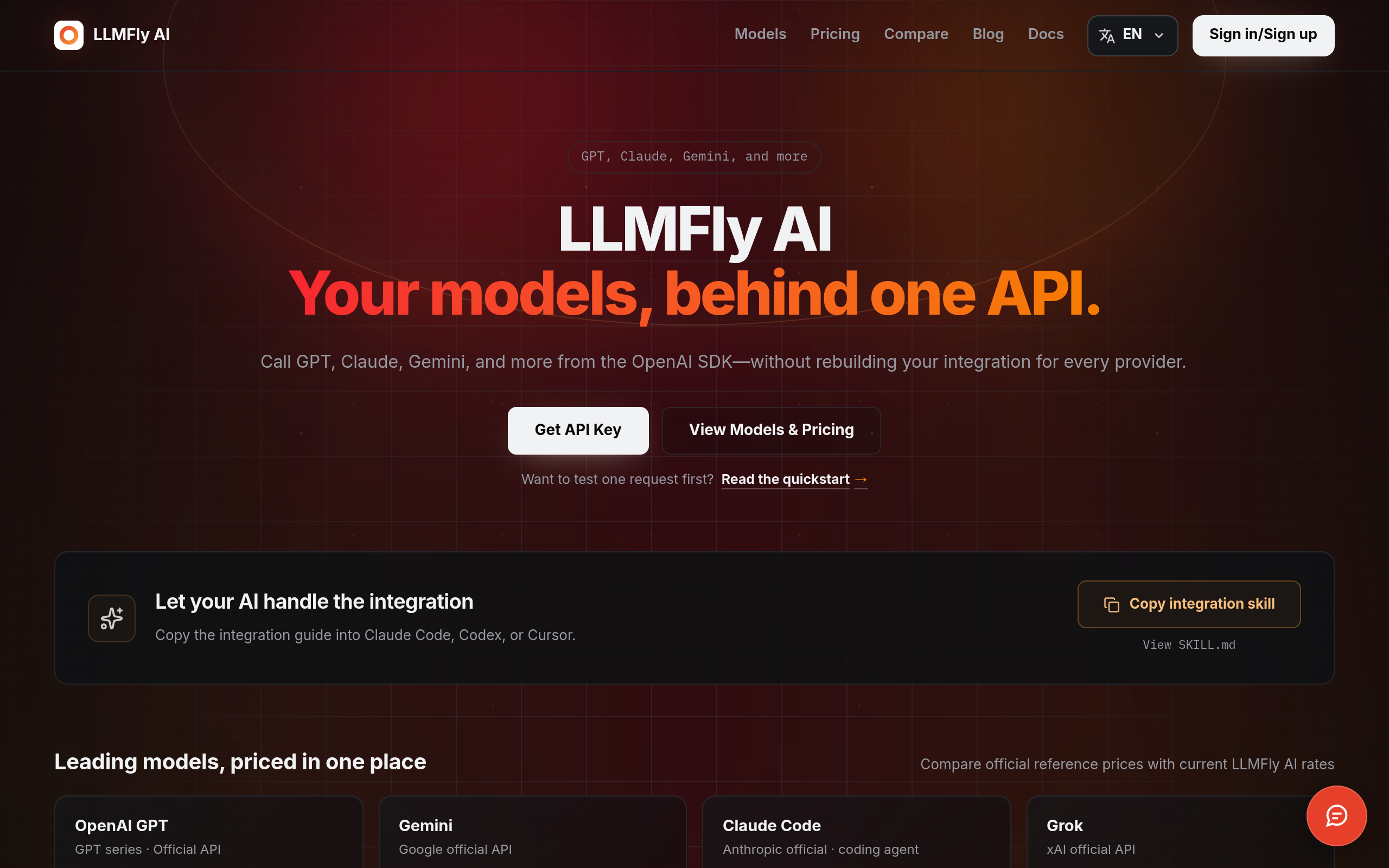
LLMFly AI is an API service that lets a server call models in its catalog—including GPT, Claude, Gemini, and Grok—through one OpenAI-compatible API. The stated aim is to call these models from the OpenAI SDK without rebuilding the integration for every provider. It is operated by FLAMEWRIGHT TECHNOLOGIES LTD.
The catalog indicates which model ID to send, and availability can change. Each model has its own input, output, and, when available, cache rates.
LLMFly AI describes a three-step quickstart:
For compatible routes, the OpenAI SDK can be kept by changing the base URL, API key, and model ID. Tools, streaming, and structured output should be tested if the app uses them. The API endpoint is also documented for use from Claude Code, Codex, Cursor, automation scripts, or a server application. A copyable integration skill file is offered for use with AI coding assistants.
Calls GPT, Claude, Gemini, and Grok models from one OpenAI-compatible API and client.
Lets users compare input, output, and cache pricing in the catalog and confirm charges in usage history before sending traffic.
Gives each app and environment its own key so a leaked key can be revoked without taking others offline.
Shows what each request consumed for each model's rates.
Documentation covers authentication, model IDs, SDK usage, error handling, and copy-ready request examples.
Use the same endpoint from Claude Code, Codex, or Cursor.
Call catalog models from server applications or automation scripts using an OpenAI-compatible client.
Review capabilities, context limits, and reference pricing across GPT, Claude, Gemini, and Grok to find candidate models for coding, chatbots, agents, and reasoning tasks.
Use dedicated keys per environment so one key can be revoked without affecting the others.
It lets a server call the models in the LLMFly AI catalog through one OpenAI-compatible API.
Yes. For compatible routes, change the base URL, API key, and model ID. Test tools, streaming, and structured output if your app uses them.
The catalog shows what is available now and which model ID to send. Availability can change.
Each model has its own input, output, and, when available, cache rates. Usage history shows what each request consumed.
Prompts and responses are processed to provide the requested API service. Retention varies by data type and is limited to what is reasonably needed for service delivery, security, disputes, and legal obligations; the Privacy Policy provides details.