
ElevenLabs
AI voice generator and voice agents platform
Freemium
 Visit website
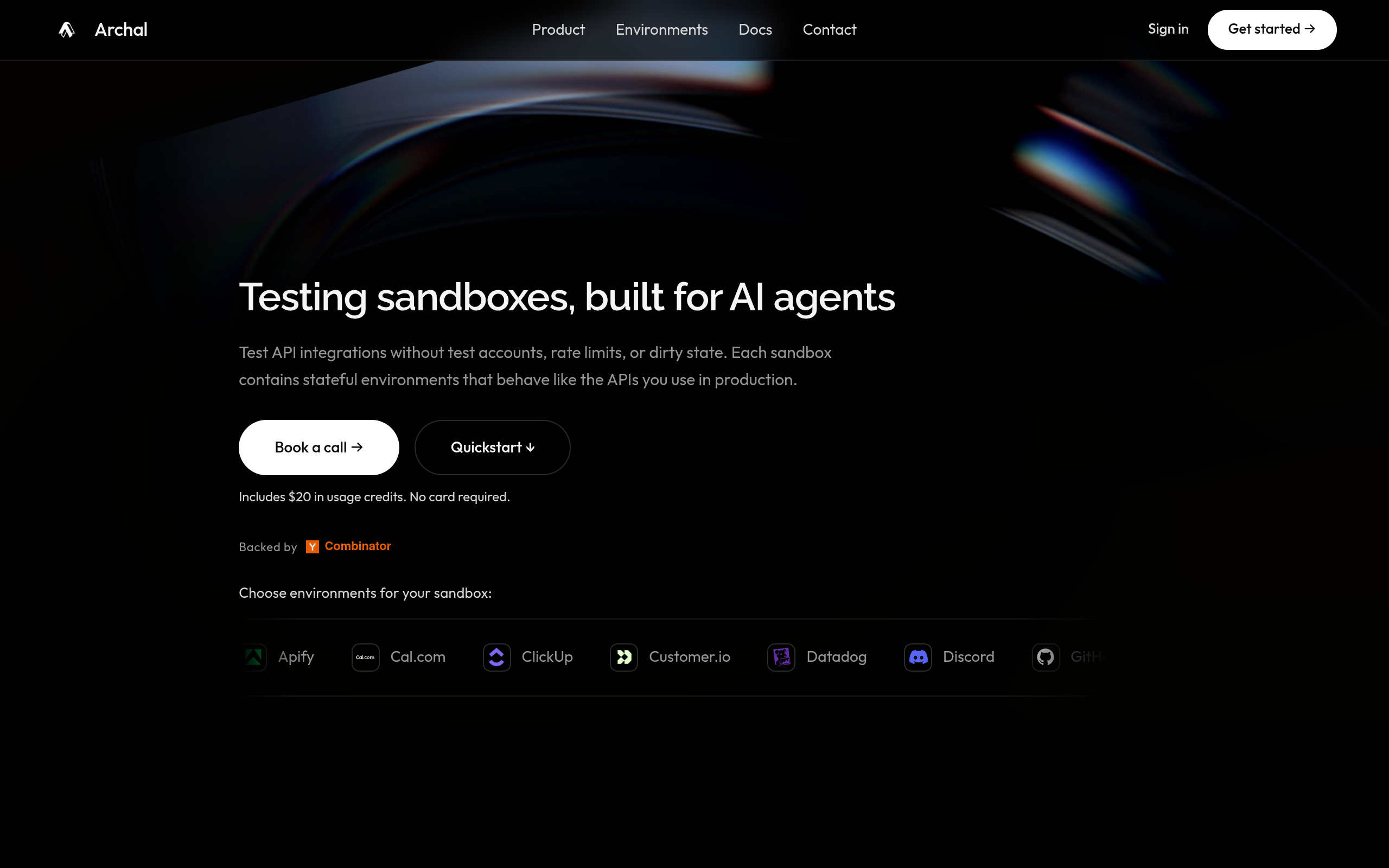
Archal is a testing sandbox platform for AI agents and API integrations. It provides isolated, time-bounded runtimes containing one or more stateful environments that behave like the APIs used in production. Each environment exposes familiar REST or MCP interfaces, retains mutations for the life of the sandbox, and can return to its declared starting state.
Archal states that each environment is an independently built simulation of the service it represents, not the provider's live service. Environment traffic is routed to Archal-managed implementations rather than your production accounts, and individual environment profiles document any exceptional dependency or behavior. Archal notes it is not affiliated with or endorsed by the providers shown, and trademarks belong to their owners.
A single Archal API key creates and manages every sandbox and environment. Calls share one gateway while each environment keeps the paths, methods, payloads, and response shapes your existing code expects. Archal also offers a setup prompt that can be pasted into Claude Code, Codex, Cursor, or Devin to start secure signup and install five verified skills.
Each sandbox is an isolated, time-bounded runtime that can hold one or more stateful API environments. Multiple environments in one sandbox each receive their own endpoint and readiness state.
Changes persist between calls for the life of the sandbox and can be reset to the same starting point. State behavior varies by environment and operation; available environments have a supported capability profile, and environments in progress remain callable only where their documented behavior permits it.
One Archal API key manages every sandbox and environment. Calls share one gateway while each environment keeps its expected paths, methods, payloads, and response shapes.
Environments are available over REST, and some also over MCP.
Sandboxes let you see requests, responses, mutations, timing, and usage together, then restore every environment to its declared baseline.
Available environments include:
Additional selectable environments shown include Datadog, Discord, GitLab, Google Workspace, HubSpot, Jira, OR, OwnerRez, PriceLabs, Ramp, Sentry, Stripe, Tavily, Unipile, and Webflow.
The setup prompt detects whether you use Claude Code, Codex, Cursor, or Devin, and installs the verified Agent Skills bundle. It is instructed not to modify application code or start an environment during setup.
Gives every test run an isolated sandbox where changes persist across tool calls and then reset to the same baseline.
Gives every branch or CI job its own sandbox without shared test accounts, rate limits, or dirty state.
Gives every rollout a sandbox with the same starting state while changes persist through the episode.
Archal is intended for agent developers, connectors teams, and integration engineers.
An Archal sandbox is an isolated, time-bounded runtime containing one or more stateful environments. Each environment exposes familiar REST or MCP interfaces, retains mutations for the life of the sandbox, and can return to its declared starting state.
No. One Archal API key creates and manages every sandbox and environment. Calls share one gateway while each environment keeps the familiar paths, methods, payloads, and response shapes existing code expects.
State behavior varies by environment and operation. Available environments have a supported capability profile; environments in progress remain callable only where their documented behavior permits it. Archal states it does not claim complete upstream coverage without measured, dated evidence.
Yes. You choose every environment your workflow needs when you create the sandbox. Each environment receives its own endpoint and readiness state. Each environment costs $0.10 per minute.
Environment traffic is routed to Archal-managed implementations, not your production accounts. Each environment profile documents any exceptional dependency or behavior before use.
Self-serve usage has no subscription and requires no card to start. New accounts receive $5 after verified signup and another $15 when their first sandbox is ready. Each environment costs $0.10 per minute. Billing is prorated by the second; failed provisioning and cold-start time are free. Paid continuation is not yet available while its safety rollout remains disabled.