ElevenLabs
AI voice generator and voice agents platform
Freemium

fliki.ai
Turn text, scripts, and blog posts into videos with AI voices
 Visit website
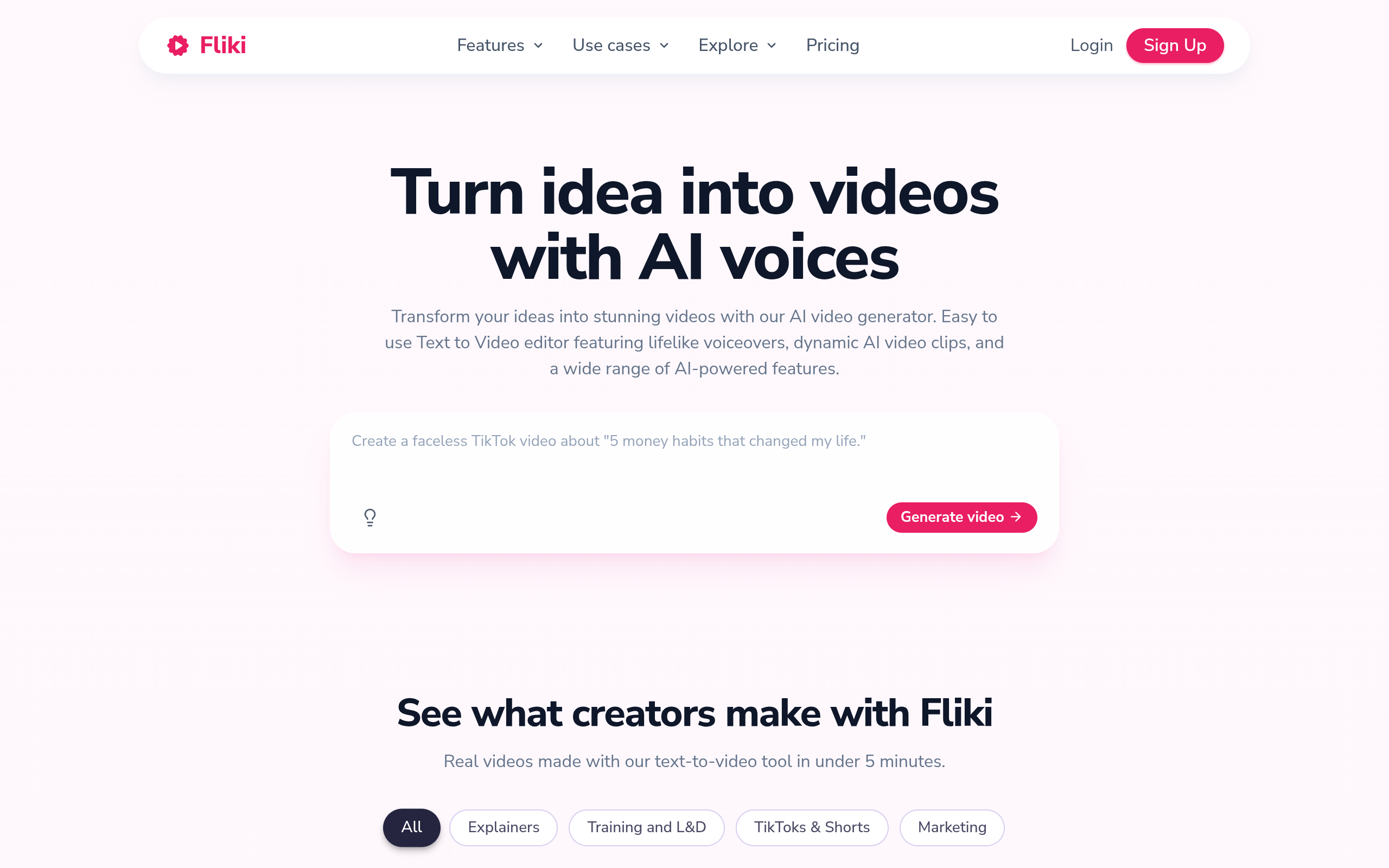
Fliki is a web-based AI video generator that turns text, scripts, blog posts, and presentations into finished videos. It automatically generates voiceover, visuals, music, and burned-in subtitles, so users do not need to film, edit, or narrate manually. Fliki offers 2,000+ AI voices in 80+ languages and dialects, and the page states it has been used by 12M+ users and has created 100M+ videos. It also includes AI avatar and digital twin features, allowing a talking-head presenter to speak in 80+ languages.
Fliki's text-to-video AI turns any blog, script, or prompt into a complete video with AI voiceover, visuals, music, and captions. It also generates a publish-ready video with consistent characters in minutes.
Generate studio-quality AI voiceover in 2,000+ lifelike voices and 80+ languages. Voices include real emotion, pacing, and emphasis. You can also dub into any language or clone your own voice from a short sample.
Fliki builds the entire video from a single prompt, including script, visuals, voiceover, music, and captions. It can also plan and produce a series based on your topic, style, and posting schedule.
Paste a blog URL and Fliki turns it into a narrated video with matching visuals and subtitles in 80+ languages.
Upload any PowerPoint or Google Slides file and Fliki turns every slide into a narrated video scene with AI voiceover, transitions, and captions.
Turn any script into a talking-head video with a lifelike AI avatar, or record yourself once to create a digital twin that presents in 80+ languages with the same face and voice in every scene.
Fliki's AI thumbnail creator generates YouTube thumbnails in seconds. Describe your video or upload a frame, and get polished designs with custom text and backgrounds.
Translate and dub any video into 80+ languages with native-sounding AI voices. One click localizes subtitles, script, and voiceover for global audiences.
Capture screen, webcam, or both. Fliki auto-removes filler words and silences, adds captions, and polishes audio. For raw footage, it auto-trims silences, removes filler words, adds subtitles, and syncs b-roll and music.
Creators can turn ideas into faceless TikTok, Reels, and YouTube Shorts in minutes. Fliki provides trending templates and an AI script generator for daily content ideas, plus one-click publishing to TikTok, Instagram, and YouTube.
Convert long-form blog posts into short narrated videos with matching visuals and subtitles. Fliki supports this in one click across 80+ languages.
Upload a PowerPoint or Google Slides deck to produce narrated training, onboarding, and online course videos without re-recording.
Generate promotional videos, product explainers, and ads using AI voices, avatars, and auto-editing.
Create explainer and educational content with AI voiceover, visuals, and subtitles in multiple languages.
Professionals can create client-facing content, service explainers, and educational videos for LinkedIn, YouTube, and websites using industry templates.
Translate and dub existing videos into 80+ languages with AI voices, including subtitles and script localization.
An AI video generator is a tool that turns text prompts, scripts, or existing content into finished videos automatically generating the voiceover, visuals, music, and subtitles. Fliki is an AI video generator used by over 12 million creators, professionals, and teams to make TikToks, YouTube videos, explainers, and training content.
Paste text, a blog post, a script, or a one-line prompt into Fliki, and it generates a matching video with AI voiceover, visuals, music, and burned-in captions. According to Fliki's FAQ, the whole process takes about two minutes for a short video, with no editing or design skills needed.
Fliki's FAQ says you can upload your video, choose a voice, paste your script, and the tool generates a synced voiceover. Fliki lets you do this with 2,000+ AI voices in 80+ languages. Voice cloning is also available from a short recording.
Paste the blog URL or the full article text into Fliki, and it writes the script, picks matching visuals, narrates it with an AI voice, and adds subtitles. Fliki supports this in one click across 80+ languages.
Upload a PPT or Google Slides file to Fliki, and it converts each slide into a video scene with AI narration, transitions, and captions. This is useful for training, onboarding, and online courses, according to Fliki.
Yes. Fliki's voice cloning works from a short sample and generates an AI version you can use across videos. According to Fliki, voice cloning works in 70+ languages.
Fliki's FAQ states that Fliki supports 80+ languages and dialects including English, Spanish, Portuguese, Hindi, Arabic, Indonesian, French, German, Japanese, Korean, Russian, and Mandarin, with 2,000+ lifelike voices.
Combine AI voiceover, stock or AI-generated visuals, and auto-captions. Fliki can produce the voiceover and visuals from a script or prompt, and publish directly to TikTok, YouTube Shorts, or Reels. Fliki says most creators go from idea to upload in under five minutes.
Fliki's FAQ states that its paid plans include full commercial rights and YouTube-licensed music, so you can publish to monetized channels, run ads, and do client work without copyright risk, provided the music and stock media are properly licensed. Free access does not imply commercial rights; check the paid plan terms.
Fliki's FAQ says a 30-60 second short video can be produced in under two minutes; longer videos with multiple scenes usually render in five to ten minutes. With Fliki, the average short-form video is ready in about two minutes from the moment you hit generate.
AI voice generator and voice agents platform

Free text-to-speech with 20,000+ character voices

AI voice input tool that turns speech into structured text

Local desktop app for OCR subtitle extraction, speech transcription and subtitle translation