ElevenLabs
AI voice generator and voice agents platform
Freemium

www.getdesign.app
Extracts a website's design system into a design.md file
 Visit website
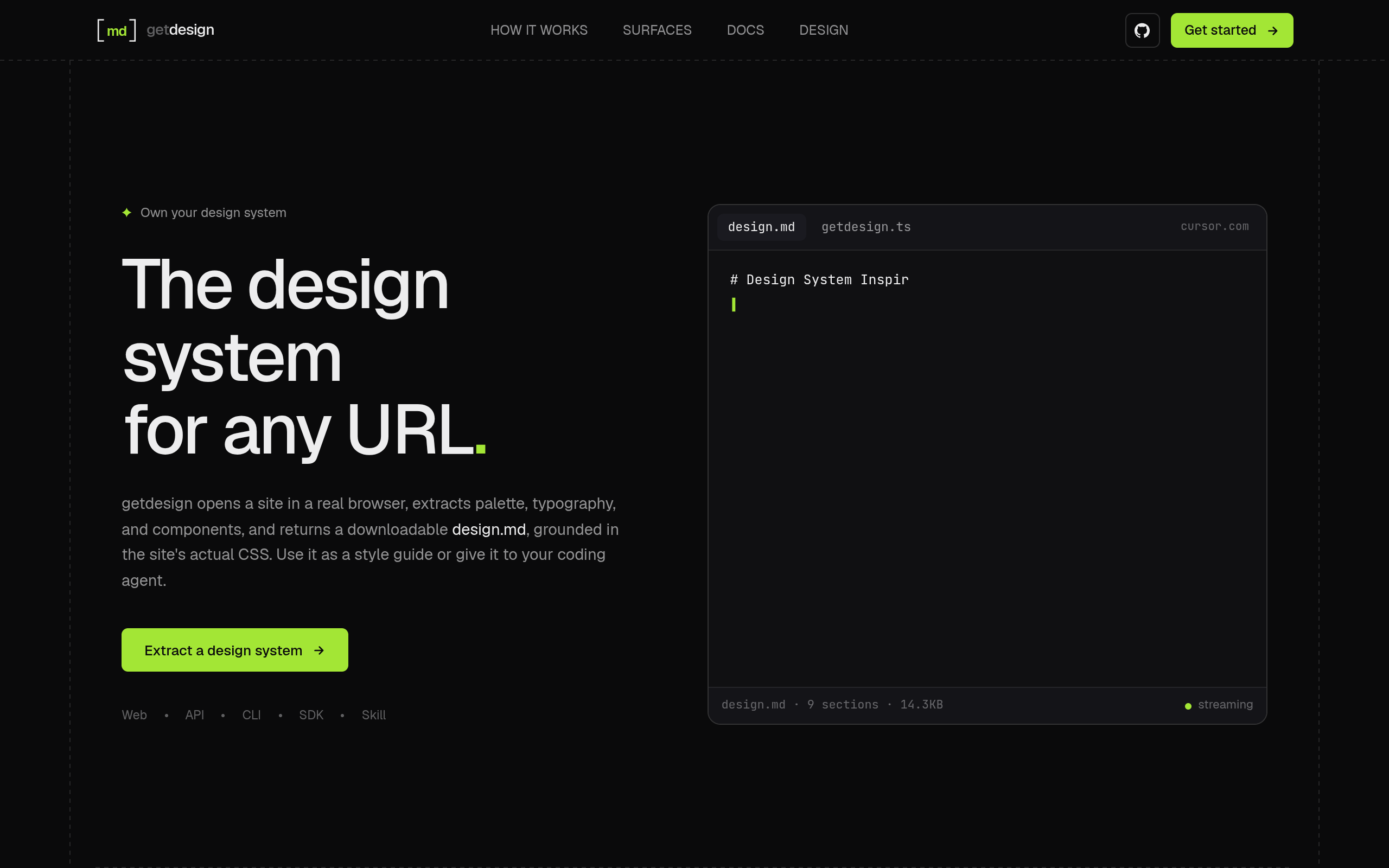
getdesign extracts a design system from a public website. It opens the site in a real browser, reads the site's CSS and captures the rendered page, then writes its colors, typography, spacing, and components to a design.md file that is grounded in the site's actual CSS. The output can be read as a style guide or handed to a coding agent as context when building an interface.
The tool is available in five surfaces that share one agent core, plus a Skill that runs inside a coding agent. It is currently in beta, and hosted runs rely on your own provider keys rather than a getdesign API key.
Sign in to the dashboard, save your Daytona and OpenAI keys in Account, then paste a public website URL into Agent to generate a design.md. You can also explore cached examples without running providers.
GET /v1/design at api.getdesign.app returns Markdown or JSON. WorkOS bearer authentication and provider keys are required.
Run bunx @getdesign/cli on Bun with your Daytona and OpenAI keys. It writes design.md to a local file.
Install @getdesign/sdk with bun add @getdesign/sdk to run the agent in-process on Bun, with typed results and progress events, using your provider keys.
Add the portable SKILL.md with skills add MohtashamMurshid/getdesign. It runs inside Claude Code, Codex, or Cursor, using the agent's own tools.
getdesign reads the CSS tokens of a public site, captures the page in a browser, and produces a design document covering colors, typography, spacing, and components.
Results are delivered as a Markdown document describing the website's design system. Visual runs also include captured screenshots.
Web, API, CLI, and TypeScript SDK access the same agent core; the Skill runs inside your own coding agent. The CLI and SDK run locally on Bun, while the HTTP API supports hosted runs.
Dashboard runs stay private until you publish them. Publishing creates a link anyone can use to view and download the design document and screenshots; you can make a run private again to close future access, though copies already downloaded remain with their recipients.
Generate a readable design document from a public website that describes its colors, typography, spacing, and components.
Pass the generated design.md and its screenshots to a coding agent, or install the Skill so the agent extracts design context with its own tools.
Use the CLI or TypeScript SDK for local runs on Bun, or the HTTP API for hosted runs returning Markdown or JSON.
Publish a dashboard run to create a link others can use to view and download the design document and screenshots.
A design.md is a Markdown document describing a website's design system. You can read it as a style guide or give it to a coding agent as context when building an interface. Visual runs also include captured screenshots.
Save your Daytona and OpenAI keys in Account, then paste a public website URL into Agent. getdesign reads CSS tokens, captures the page in a browser, and generates a design document you can download. You can also explore cached examples without running providers.
Yes. Give your coding agent the generated design.md and its screenshots, or install the getdesign Skill to extract design context using the agent's own tools. The CLI and TypeScript SDK also run locally on Bun, and the HTTP API supports hosted runs.
The dashboard uses WorkOS sign-in. Hosted runs require your own Daytona and OpenAI keys; there is no getdesign API key in V1. V1 has no getdesign run billing. You pay Daytona for browser capture and OpenAI for model usage.
Your dashboard runs are private until you publish them. Publishing creates a link that anyone can use to view and download the design document and screenshots. You can make a run private again to close future access; copies already downloaded remain with their recipients.