
Jasper
AI agent workspace for orchestrating end-to-end marketing workflows
Free trial

postmcpai.com
AI social media manager and auto-posting tool for seven networks
 Visit website
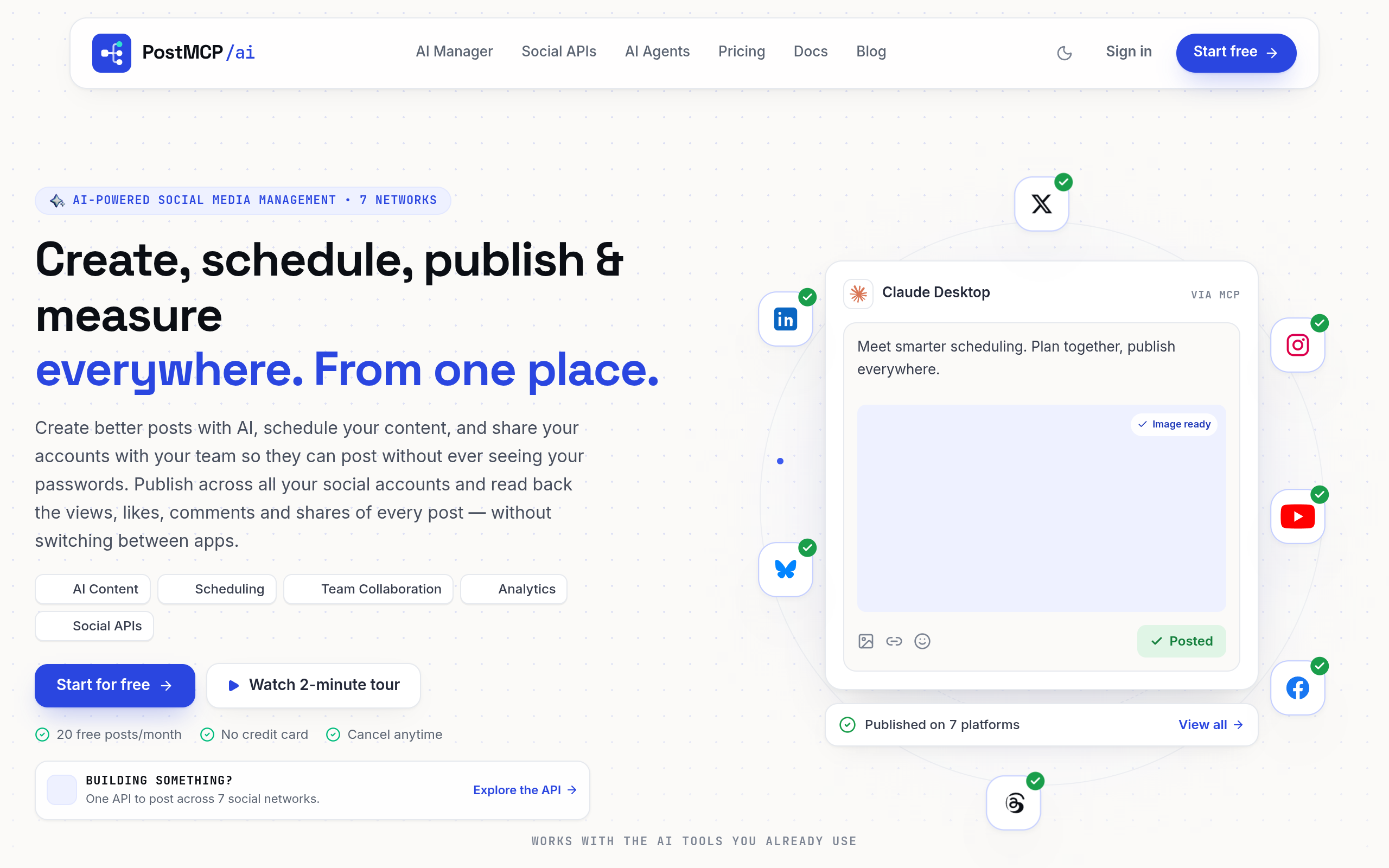
PostMcpAi is an AI-powered social media management tool that creates, schedules, publishes and measures posts across seven networks: X (Twitter), LinkedIn, Instagram, Facebook, Threads, Bluesky and YouTube Shorts. It pairs a dashboard composer and content calendar with an open-source social media MCP (Model Context Protocol) server, so assistants such as Claude, ChatGPT, Cursor, VS Code, Copilot, Gemini, Windsurf and Zed can draft, schedule and publish through it.
The page states that one API key and one pasted link connect an existing AI client, and that the same server works across MCP clients. A REST API covering all seven networks is also documented for wiring publishing into your own product or automations. Neither the MCP server nor the API is required to use the app.
For local AI clients, the documented setup is a JSON configuration block pointing at npx -y @postmcpai/server plus an API key from the dashboard; restarting the client makes the publishing tools appear. Browser-based clients such as Claude.ai and ChatGPT connect to a hosted copy of the same server over HTTPS, either as a remote MCP connector or as Custom GPT Actions built from its OpenAPI schema. The server is MIT licensed and published on npm as @postmcpai/server.
The same idea is rewritten for each destination, adapting character limits, line breaks, hashtags and tone rather than cross-posting one block of text.
Everything the agent schedules lands on a visual calendar, where posts can be moved or a day cleared before publishing.
The page states that every publish waits for a yes. This is presented as the one step the agent never skips.
Open any published post to read views, likes, comments and shares from LinkedIn, X, Facebook, Instagram, Threads, Bluesky and YouTube Shorts, per profile. Connected accounts also report followers, posts and views. Figures are read on request, one credit per read, and never in the background; looking again is free. The same figures can be read by an AI agent over MCP or the API.
Teammates can be invited into a shared workspace to draft, schedule and approve the agent's posts, with one calendar and one bill. The listed plans differ in seats, workspaces and approvals.
Tone, audience and go-to phrases are written into your AI's own instructions, so posts routed through PostMcpAi reflect that wording.
PostMcpAi describes a social media MCP server as a Model Context Protocol server that exposes social publishing as typed tools an assistant can call: create, schedule, publish, retry a failure, read the queue, and check which account tokens are expiring. The site says 16 or 17 such tools are shipped (the page shows both figures) across seven networks, split into read-only and mutating so approval prompts stay meaningful. One binary supports stdio and streamable HTTP transports; social OAuth tokens stay encrypted in the backend and the model sees tool names, arguments and results only.
An iOS and Android app is in closed beta on TestFlight and Google Play. Applications are approved by hand, and the email used to apply is the one the app checks at sign-in. The app offers the queue and calendar, push notifications, media publishing and AI drafting on the go. The page states that no plan or checkout happens inside the app.
Give the agent a sentence, a link or a changelog, and it writes a version for each network, checks the limits and schedules it into the calendar.
The agent schedules posts at its chosen times and keeps the queue populated, subject to your approval before anything goes live.
Read views, likes, comments and shares per post or per connected account from the dashboard, or ask your AI agent the same question over MCP or the API.
A shared workspace lets teammates draft, schedule and approve posts, with roles and plan-dependent teammate limits.
The REST API covering all seven networks can be used to wire publishing into your own product or automations.
According to the page, none. You connect an AI you already use with one pasted link, or write in the composer, and you can review every draft before it goes out.
Yes, the page says an agent can write per-network versions, check limits, schedule and publish to real accounts, but every publish waits for your approval.
X (Twitter), LinkedIn, Instagram, Facebook, Threads, Bluesky and YouTube Shorts, all from one place.
One credit equals one published post per profile (five for X), one AI draft in the composer, or one analytics read of a post or a profile; an AI-generated image costs 20. Drafting inside your own AI over MCP costs nothing. The free plan includes 20 credits every month with no card required, and the free plan never expires.
Channels are authorized through each platform's official OAuth 2.0 sign-in, passwords are not seen or stored, tokens are encrypted at rest, and channels can be revoked instantly from the dashboard.
Both are possible. One command connects ChatGPT, Claude, Cursor or any MCP-capable client, and a REST API covers all seven networks. Neither is required to use the app.
For the app and for local AI clients, no: npx fetches and runs the MCP server on demand. Hosting is only needed for browser-based clients like Claude.ai and ChatGPT, which cannot spawn a local process. The server is MIT licensed and can be hosted anywhere that runs Node.
Yes. The page states there are no contracts and no lock-in; cancellation is done from the billing tab.
AI agent workspace for orchestrating end-to-end marketing workflows

Turns publisher articles into videos for distribution and monetization

AI design partner for presentations, websites, and documents

AI agent workspace for research, writing and content creation