
Midjourney
AI image and video generation research lab
Freemium

www.modelgenerator.ai
Generates textured, export-ready 3D meshes from text or photos
 Visit website
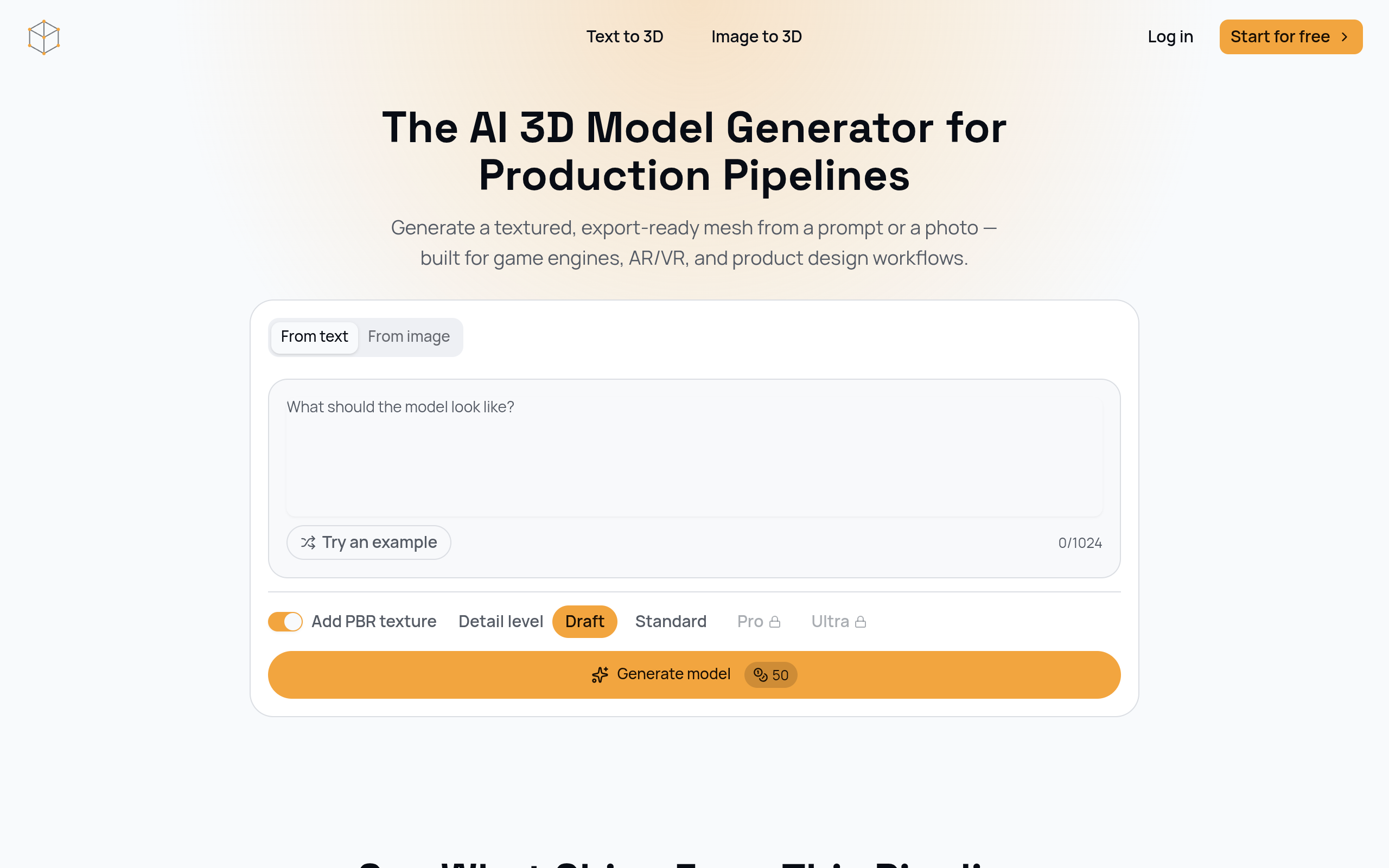
AI 3D Model Generator is a tool on modelgenerator.ai that produces textured, export-ready 3D meshes from a text prompt or a reference photo. It is positioned for production pipelines such as game engines, AR/VR, and product design, and the site states that all exports are GLB with PBR materials. Mesh fidelity is controlled through four density presets — Draft, Standard, Pro, and Ultra — and the site lists typical generation as 10–120 seconds. The page also states that no CAD or 3D modeling experience is required to generate a first-pass asset.
Write a specification for the model, or upload a reference photo, depending on your target asset.
Choose Draft for a same-day concept pass, or a higher preset such as Ultra when the asset needs to hold up in a close-up render or production build.
Download the GLB and import it into Unity, Unreal Engine, Blender, Three.js, Babylon.js, or any AR/VR viewer that reads glTF.
Supports both prompt-based generation and reconstruction of geometry and color from a single product photo.
Every export uses the GLB format with PBR materials included, so there is no separate texturing step, and the file is compatible with Unity, Unreal Engine, Godot and most AR/VR viewers.
Draft, Standard, Pro and Ultra trade off file size against surface detail. Density can be switched without regenerating from scratch.
Every export includes a rendered preview so the mesh can be checked before deployment.
The prompt field accepts up to 1024 characters.
Generating a game asset from a prompt or reference photo and exporting it to GLB for Unity, Unreal Engine and Godot import pipelines without a manual retopology pass.
Choosing a lower mesh density for real-time performance in AR and VR viewers, or Standard when the asset needs to hold up in a close-up view.
Turning a reference photo or written spec into a rough 3D form for reviewing proportions before committing to a full CAD pass.
Characters, creatures, vehicles, props, buildings, furniture, devices and nature can be described and exported.
Yes. Exports are standard GLB with PBR materials, ready to import into Unity, Unreal Engine, Godot, or any glTF-compatible engine without a conversion step.
Draft, Standard, Pro, and Ultra map to how far downstream the asset is heading — Draft for a same-day concept check, Ultra for a hero asset that needs to hold up in a close-up shot. Density can be switched any time without regenerating from scratch.
The tool supports both. A single product photo can be used to reconstruct geometry and color as a first-pass mesh.
The site states that no CAD or 3D modeling experience is required to generate a first-pass asset.
The page lists a typical time of 10–120 seconds from prompt or photo to a downloadable mesh.